MOZG Mind · How it works
One app. Does the work.
Tell it what you need, in your own words. It works right on your computer.
Free · Mac, Windows and Linux
YouMake this week's video for Shorts
Be the operator of your life.
You say what you want. Your AI Operator gets every app working on it, like a pro.
Everything inside.
20 parts. One app. Tap one to read about it.
Has its own AI assistant
01 · Start
Two minutes to get going.
Your MOZGII account
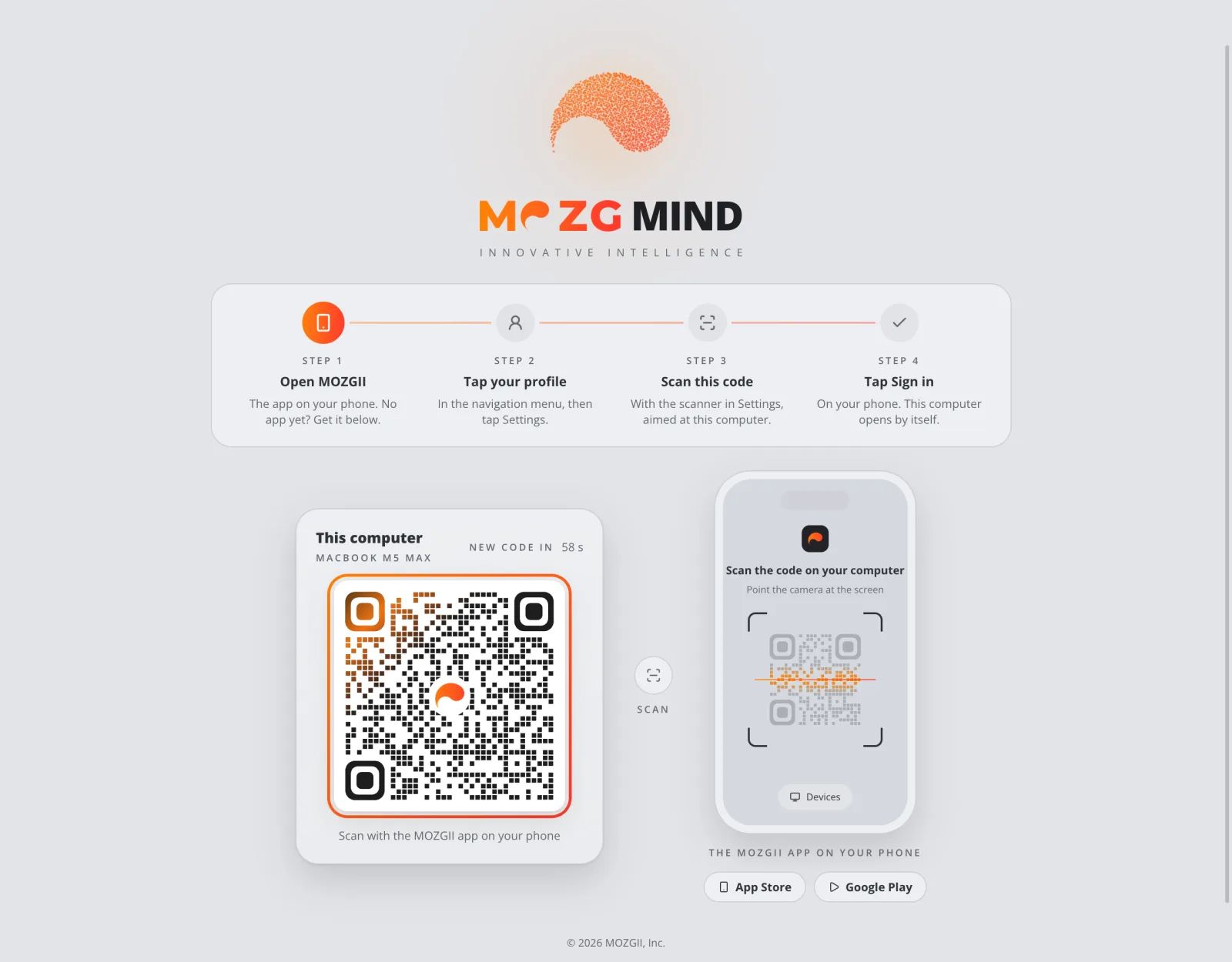
Scan once. You're in.
Open the app and scan the code with the MOZGII app on your phone. No password to type.
For example: each person in the family gets their own space on one computer.
AI Profiles
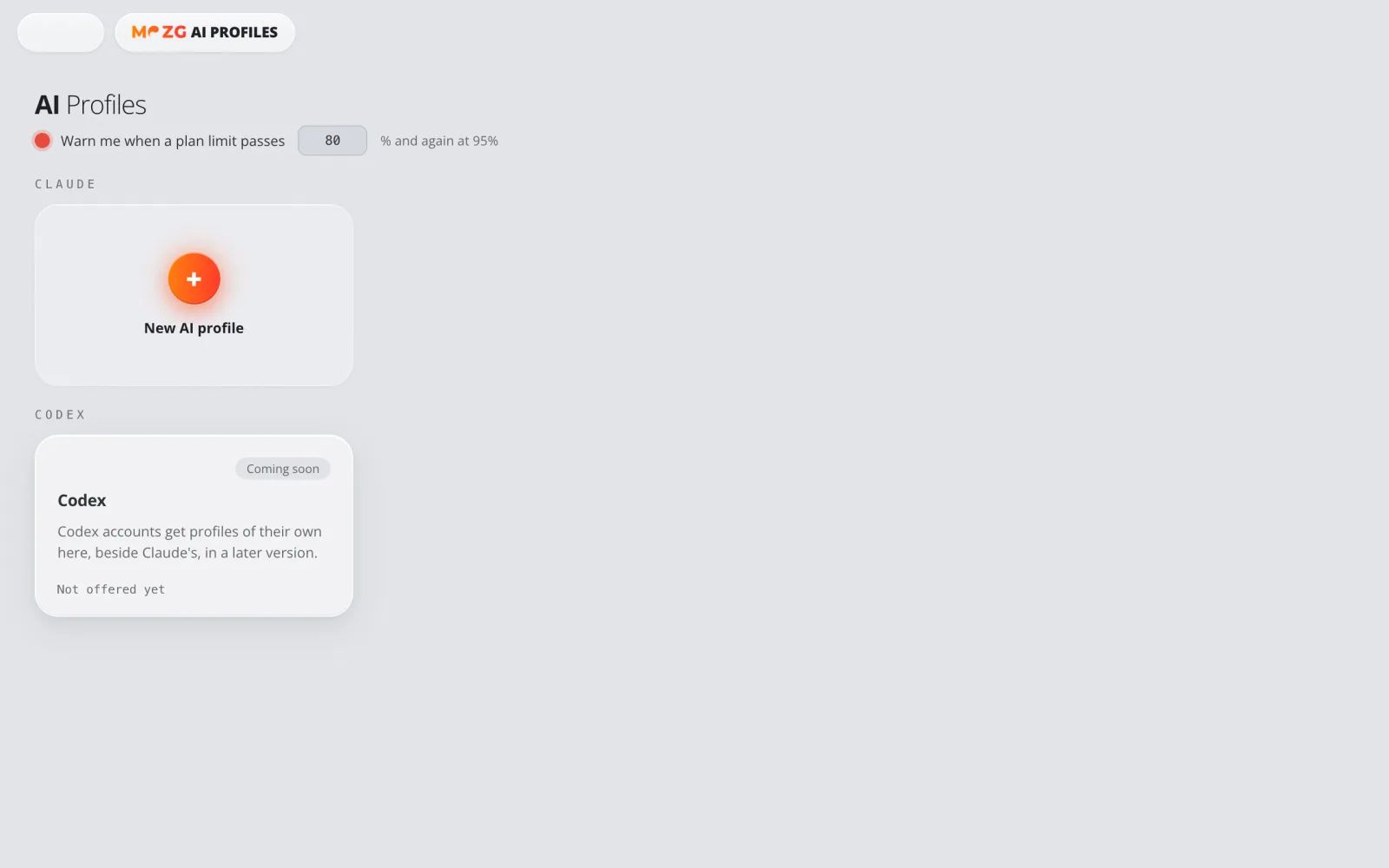
All your AI accounts, side by side.
Use a personal and a work Claude account at the same time. Each one stays signed in on its own.
For example: one for you, one for each client.
Workspaces
One for school. One for work.
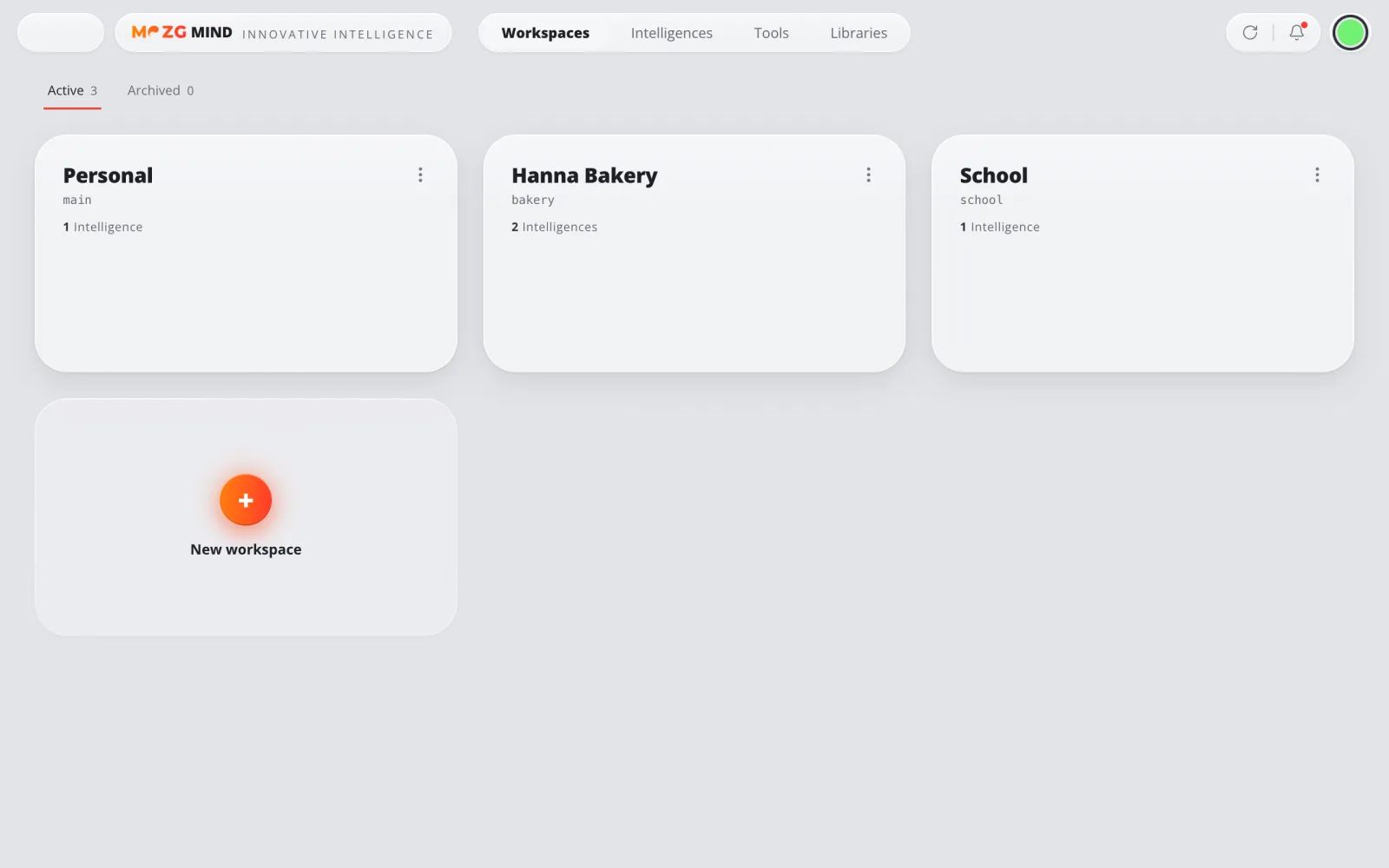
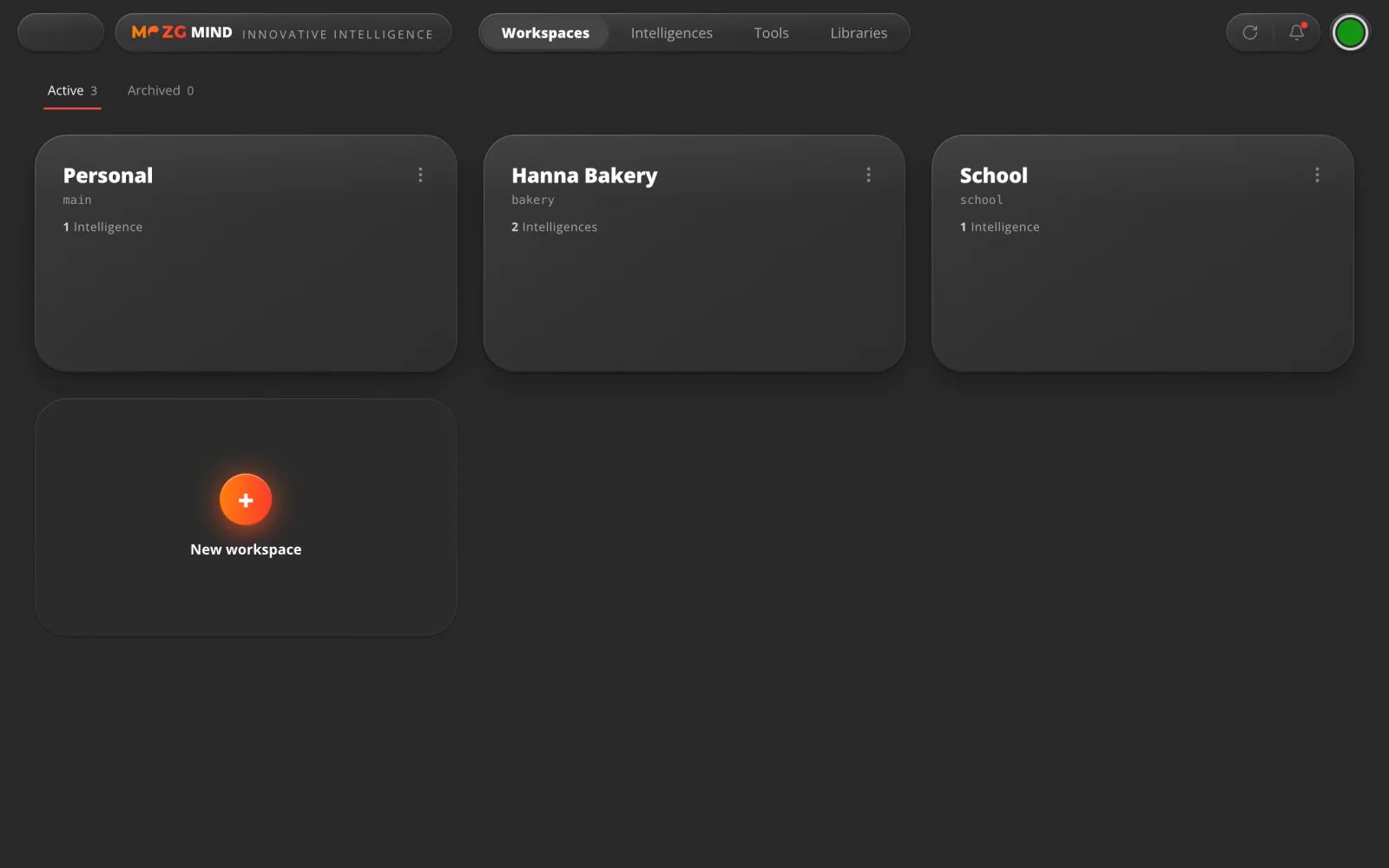
Each workspace keeps its own Intelligences, tools and settings apart from the others.
For example: a bakery owner keeps one for the shop and one for home.
02 · From the store
Add what you need. Free.
Intelligences · AI agents
A whole job, in one install.
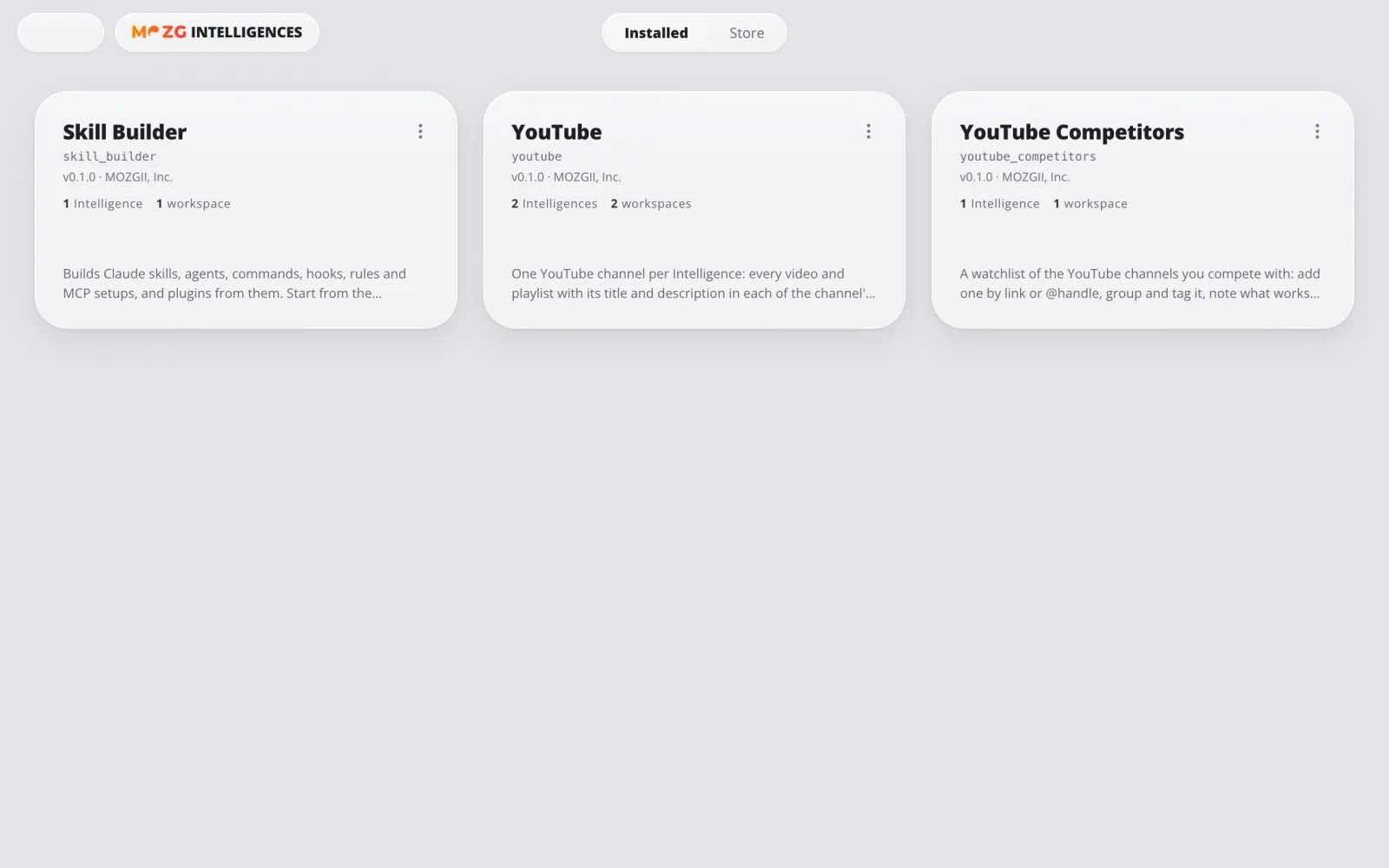
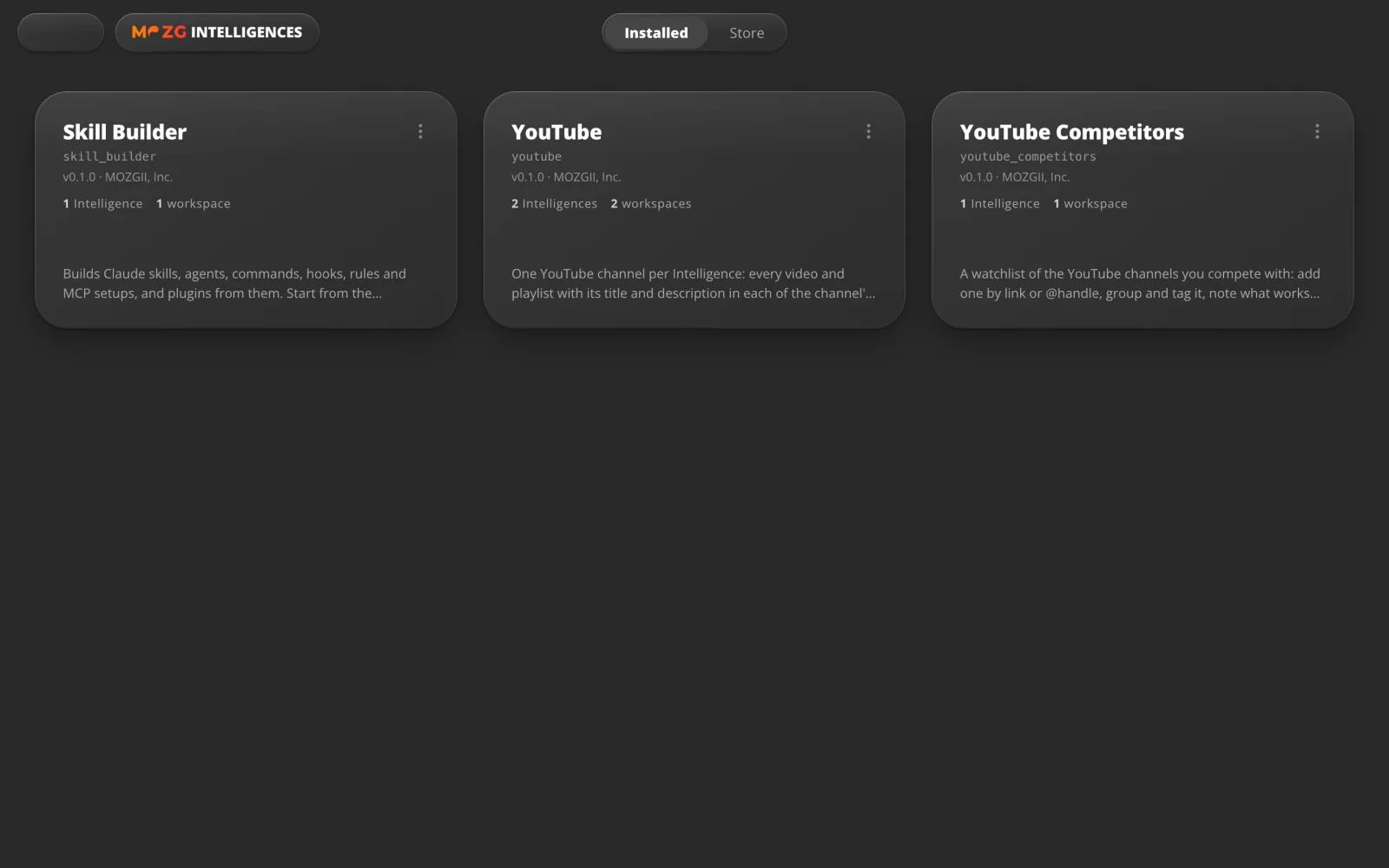
An agent that knows one job well, with its own screens and its own data. Add one per channel, client or project.
For example: one looks after your YouTube channel in all its languages.
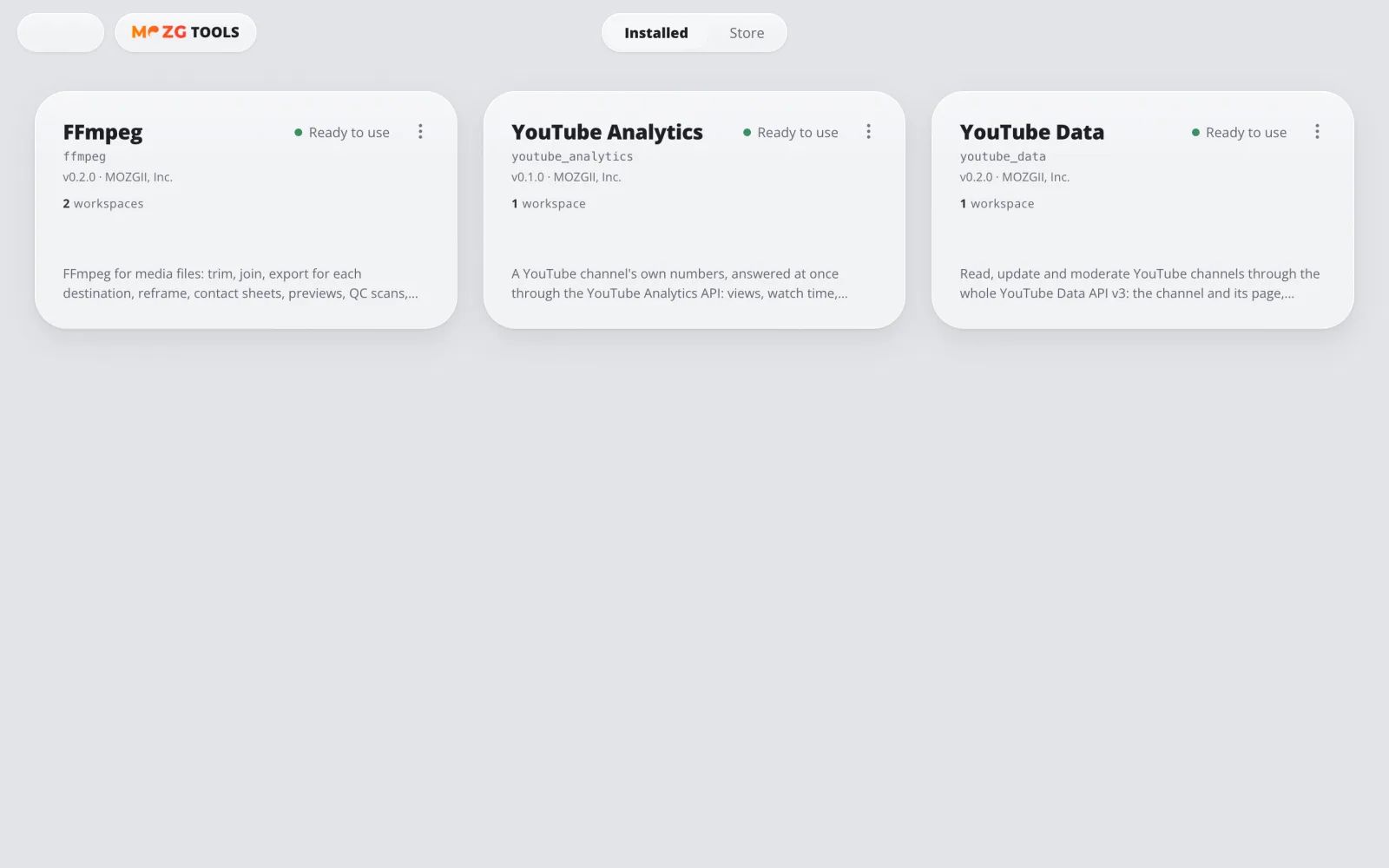
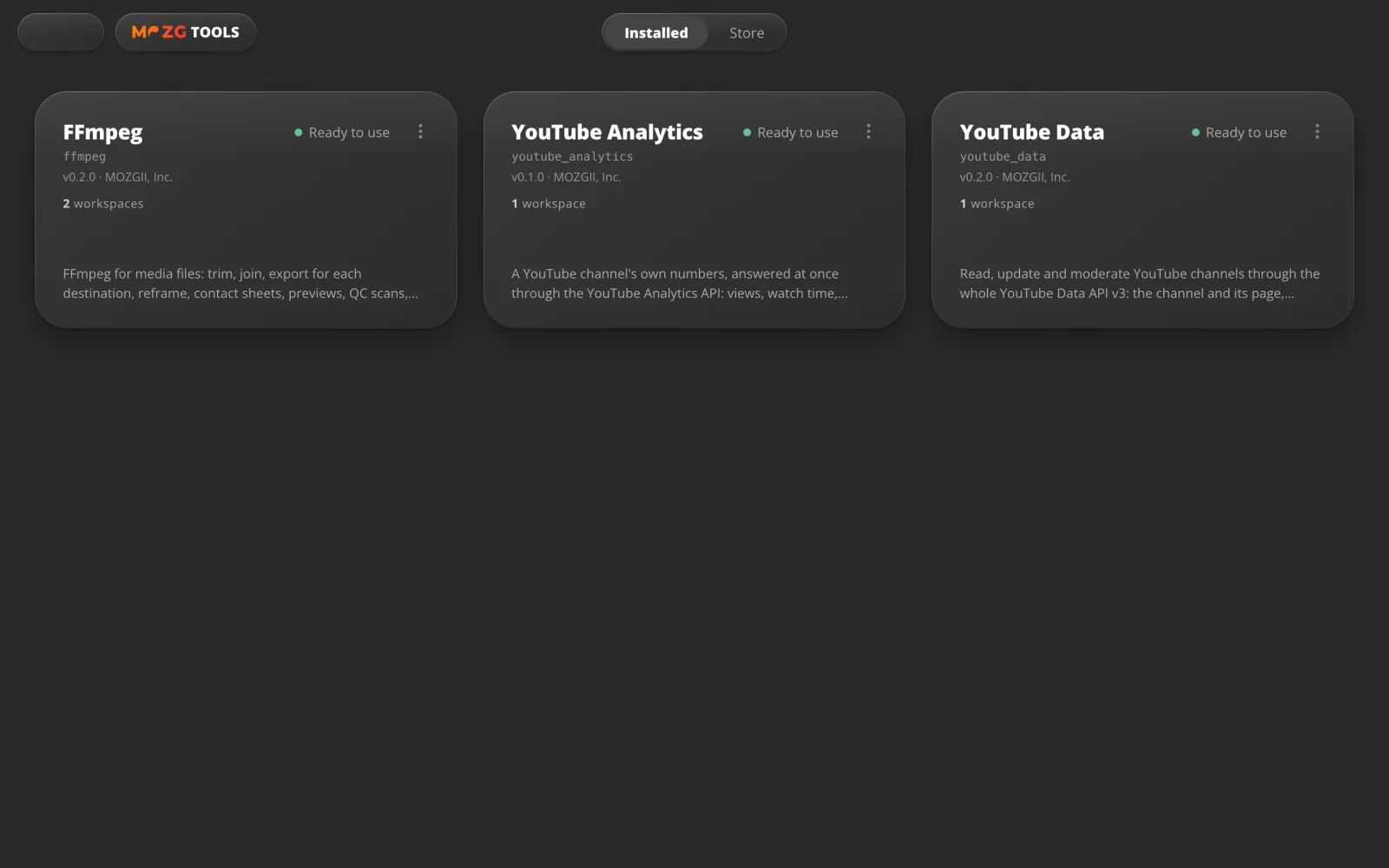
Tools · AI tools
Real programs, ready to use.
A tool connects a program like FFmpeg or a service like YouTube. It is set up once and checked, then every workspace can use it.
For example: trim a video, or make a vertical copy for Shorts.
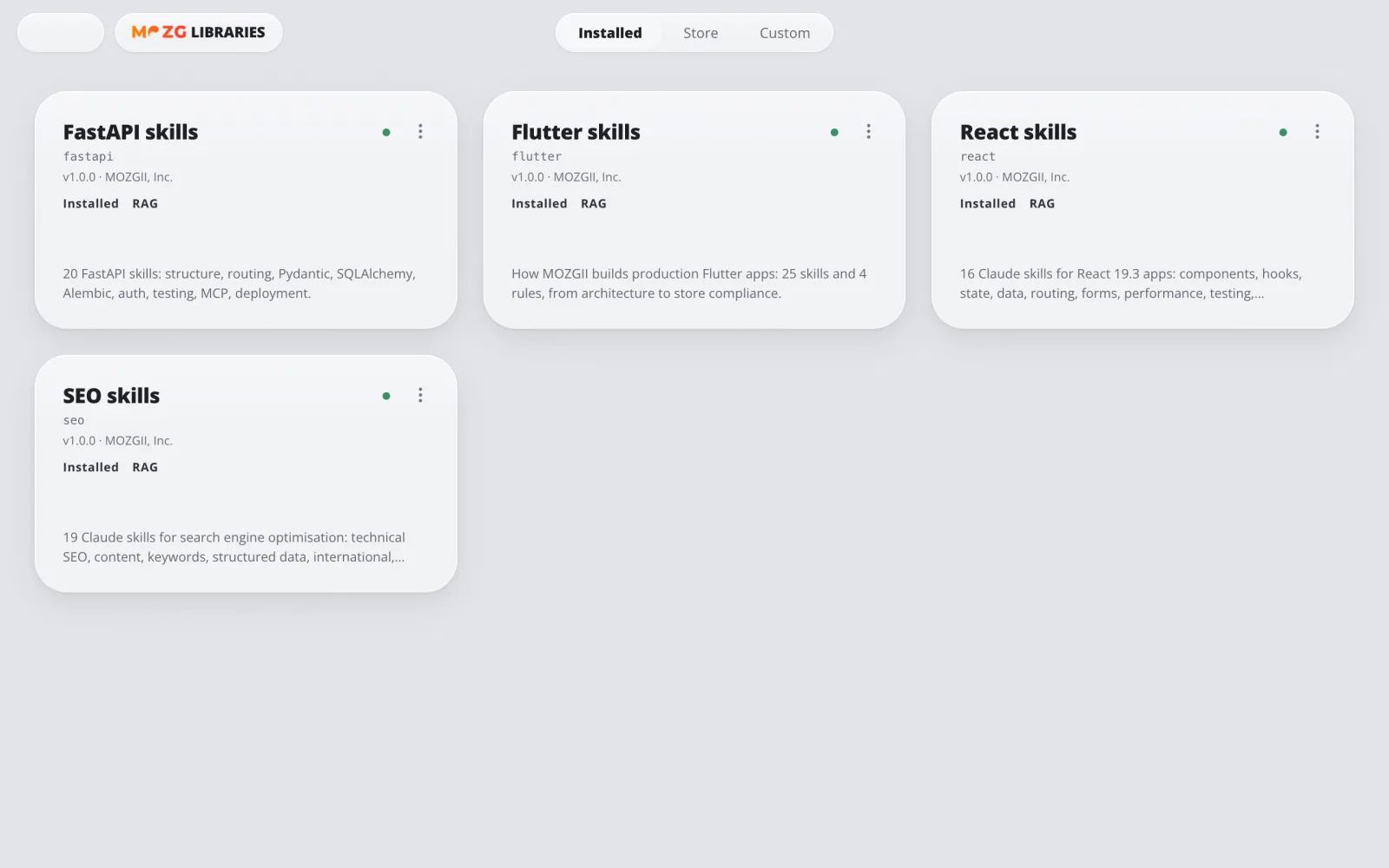
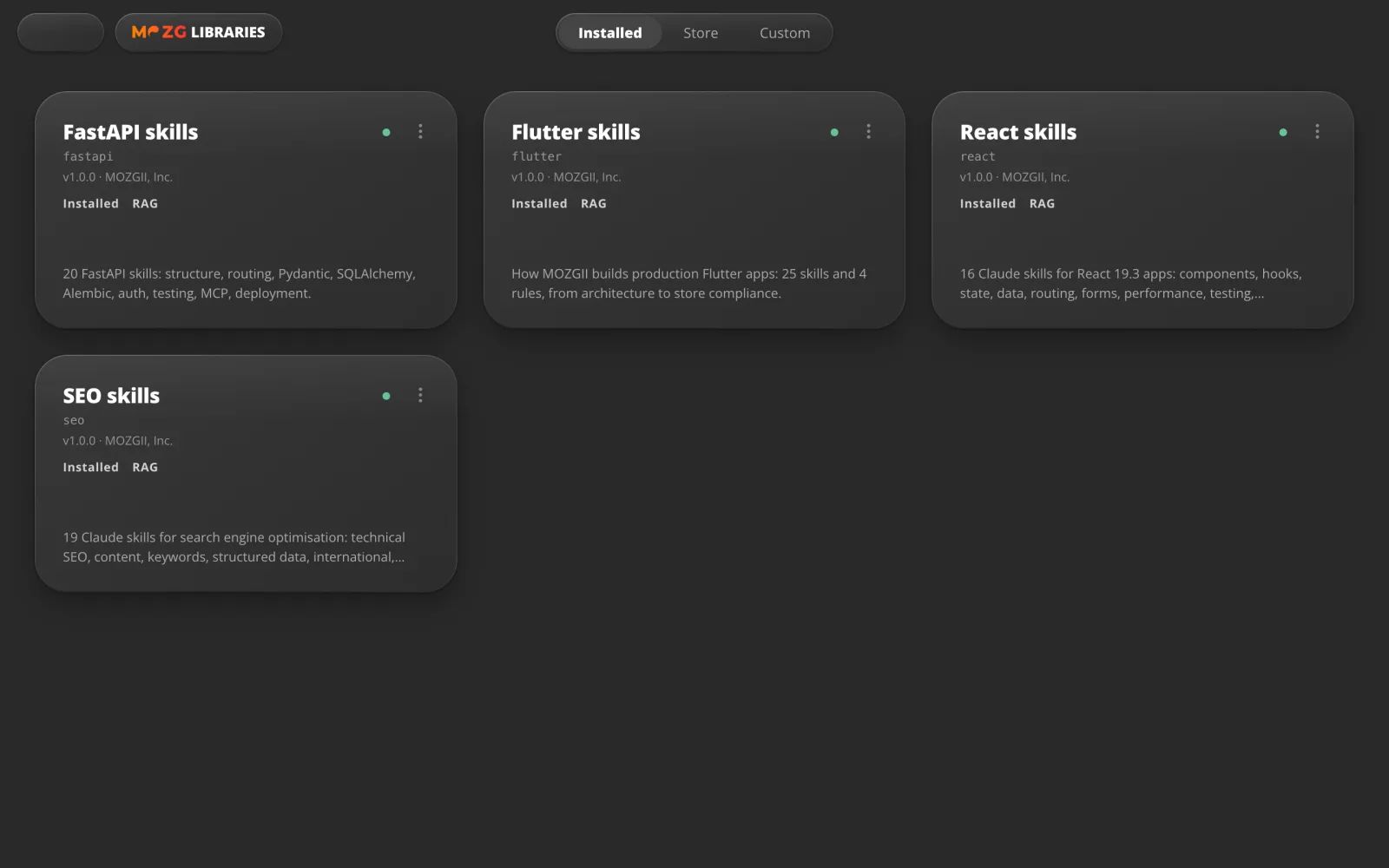
Libraries · AI libraries
Books your AI can read.
Books, courses and documentation that it searches on your computer. It always shows where an answer came from.
For example: ask your baking course a question and get the answer with its lesson.
03 · Built in
Your everyday apps, already there.
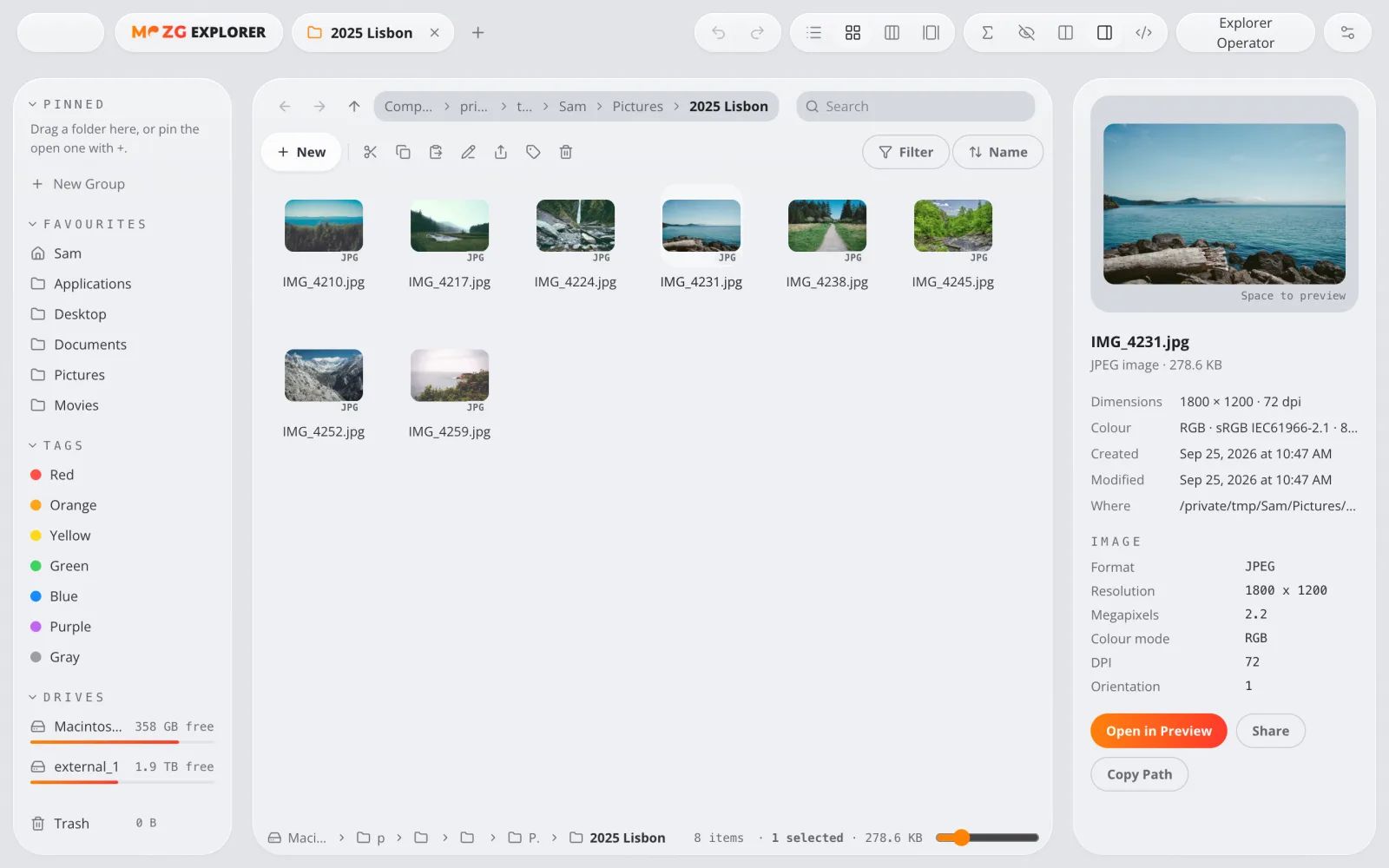
Explorer
Your files, faster.
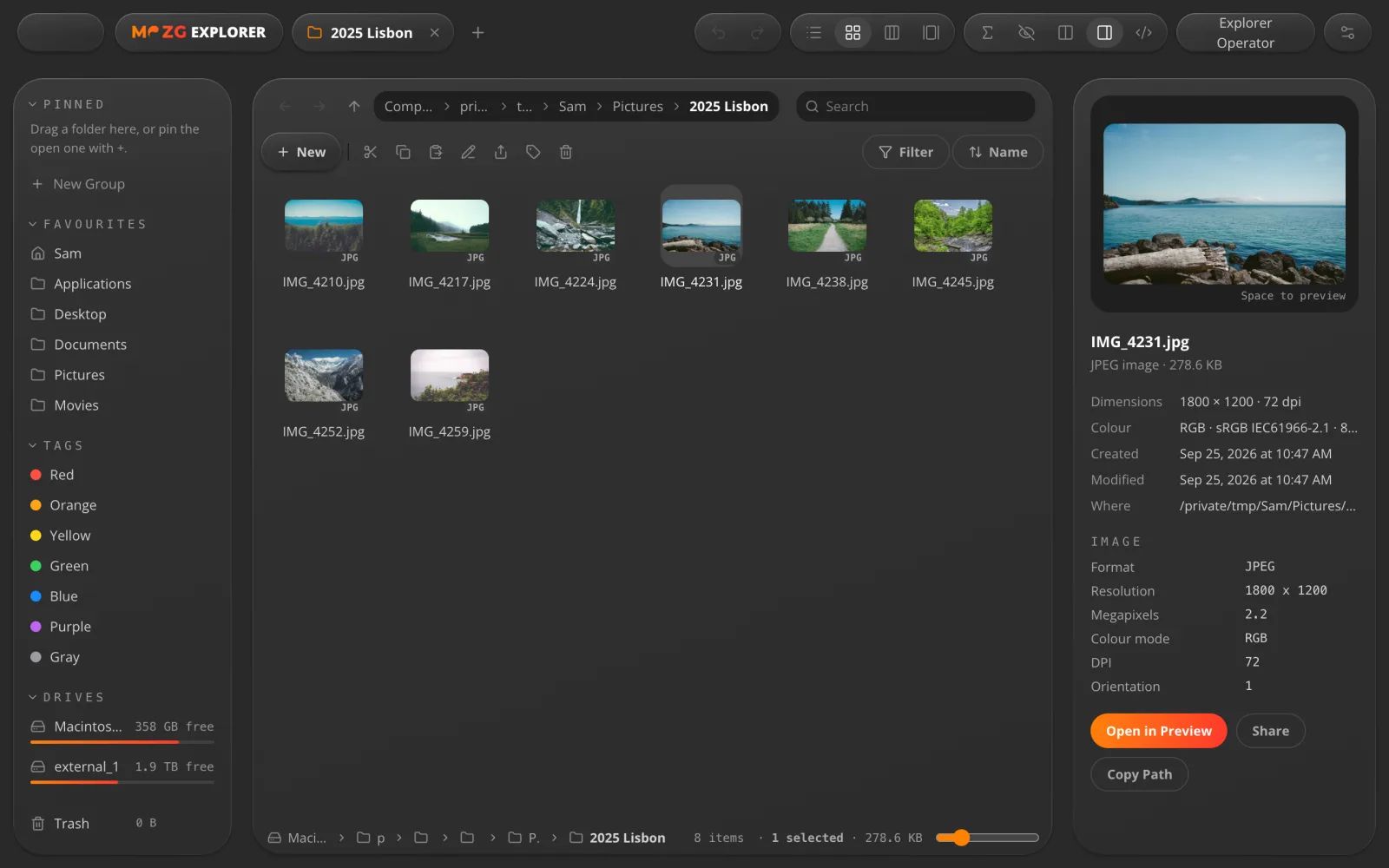
A file manager with tabs and two panes side by side. Press Space to peek at any file.
For example: move a whole trip of photos from one folder to another in one go.
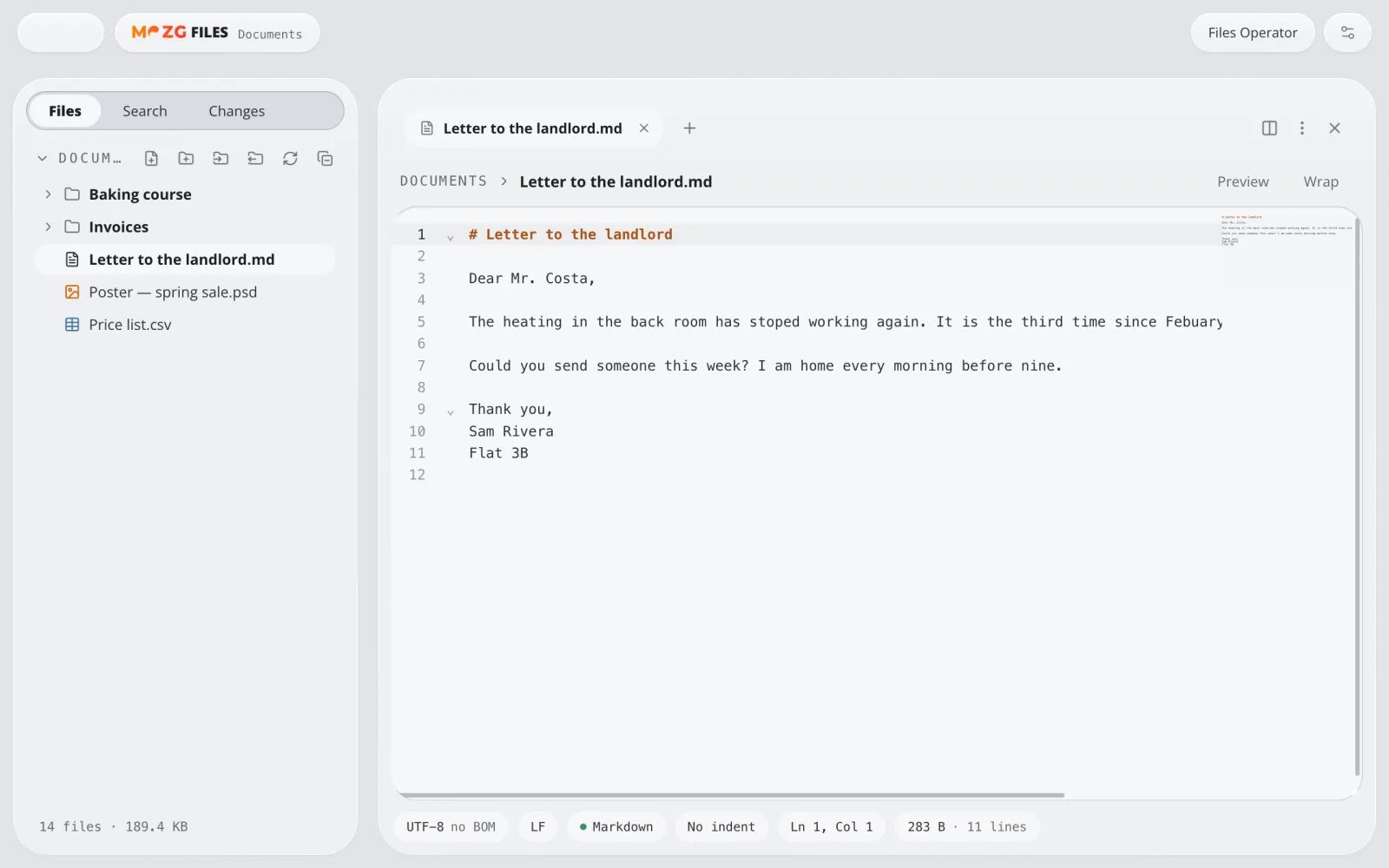
Files
Open anything.
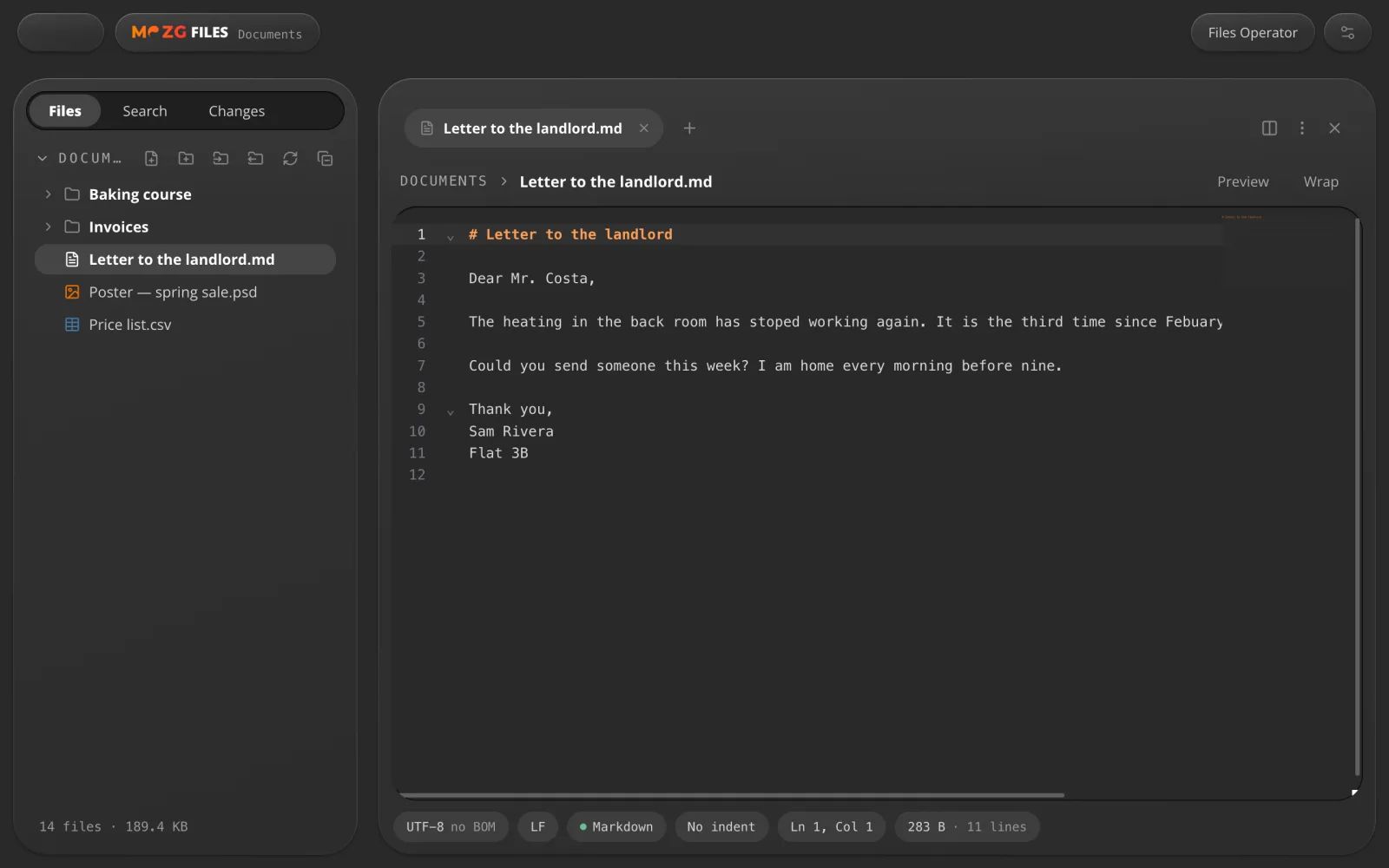
Read and edit text, code and documents, and preview photos, video and music, without leaving the app.
For example: a letter, a price list or a script, each in its own tab.
Notes
Notes that stay yours.
Notebooks of plain Markdown files, linked together and easy to search, with a lock when you want one.
For example: a trip plan, with its packing list one link away.
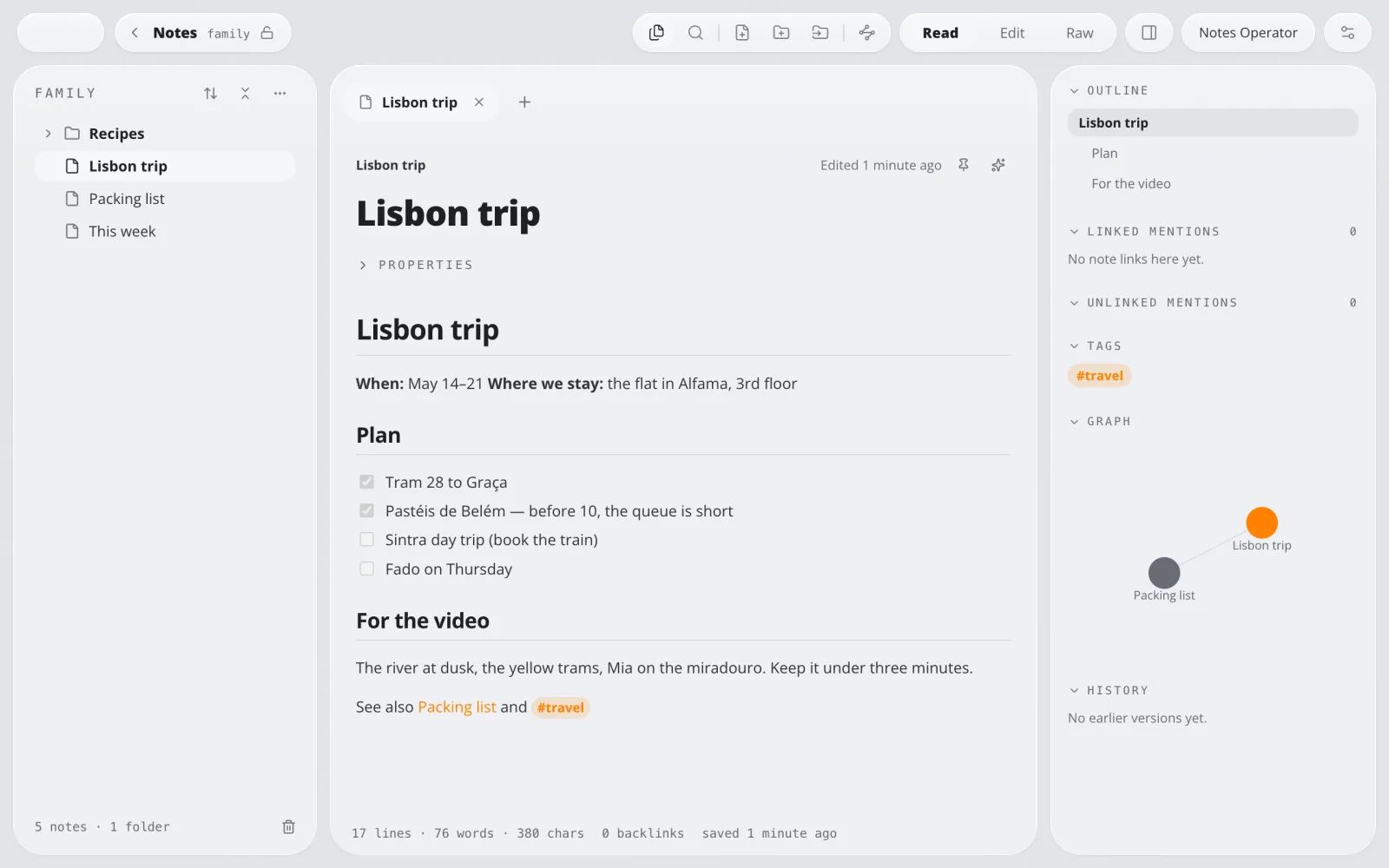
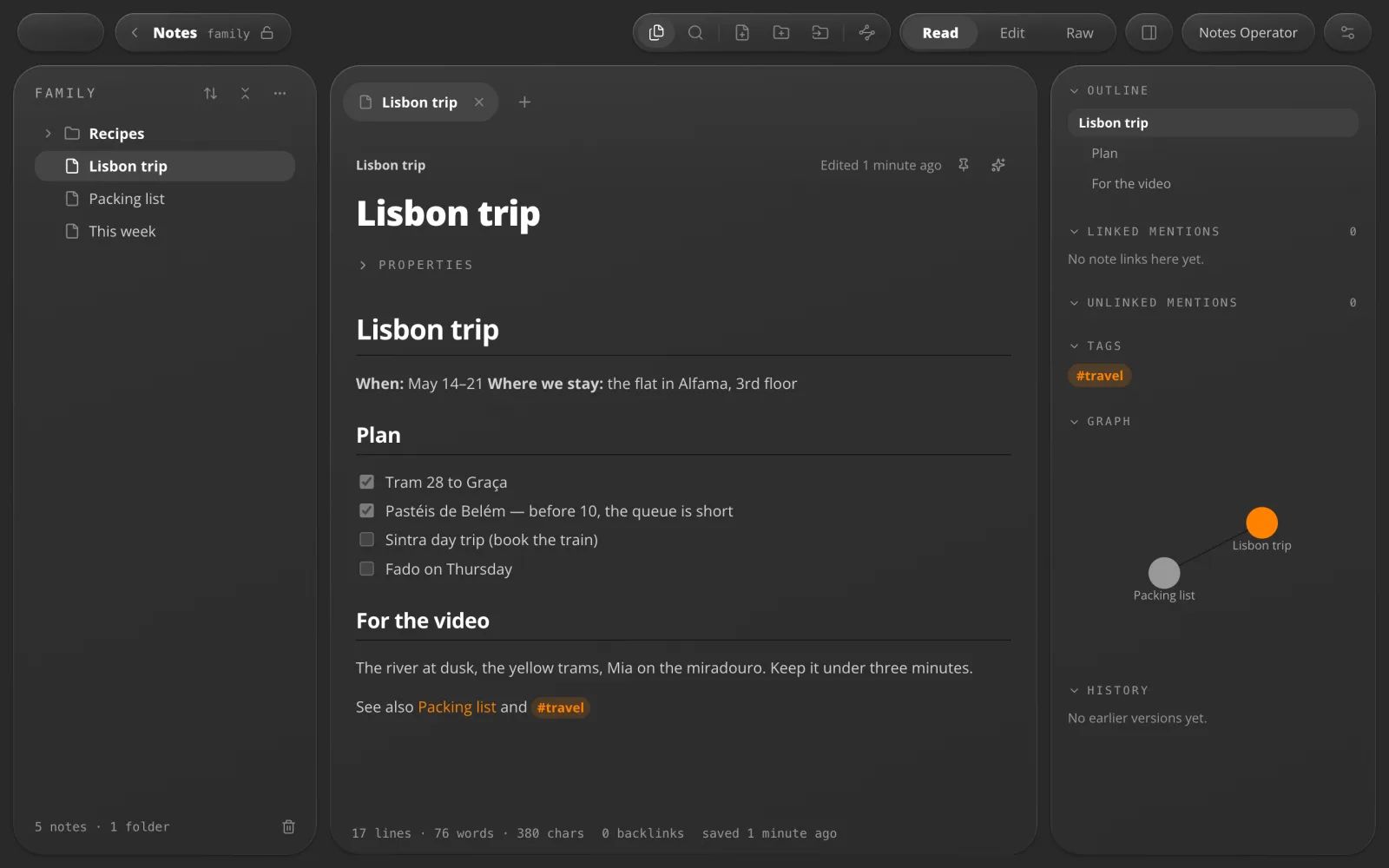
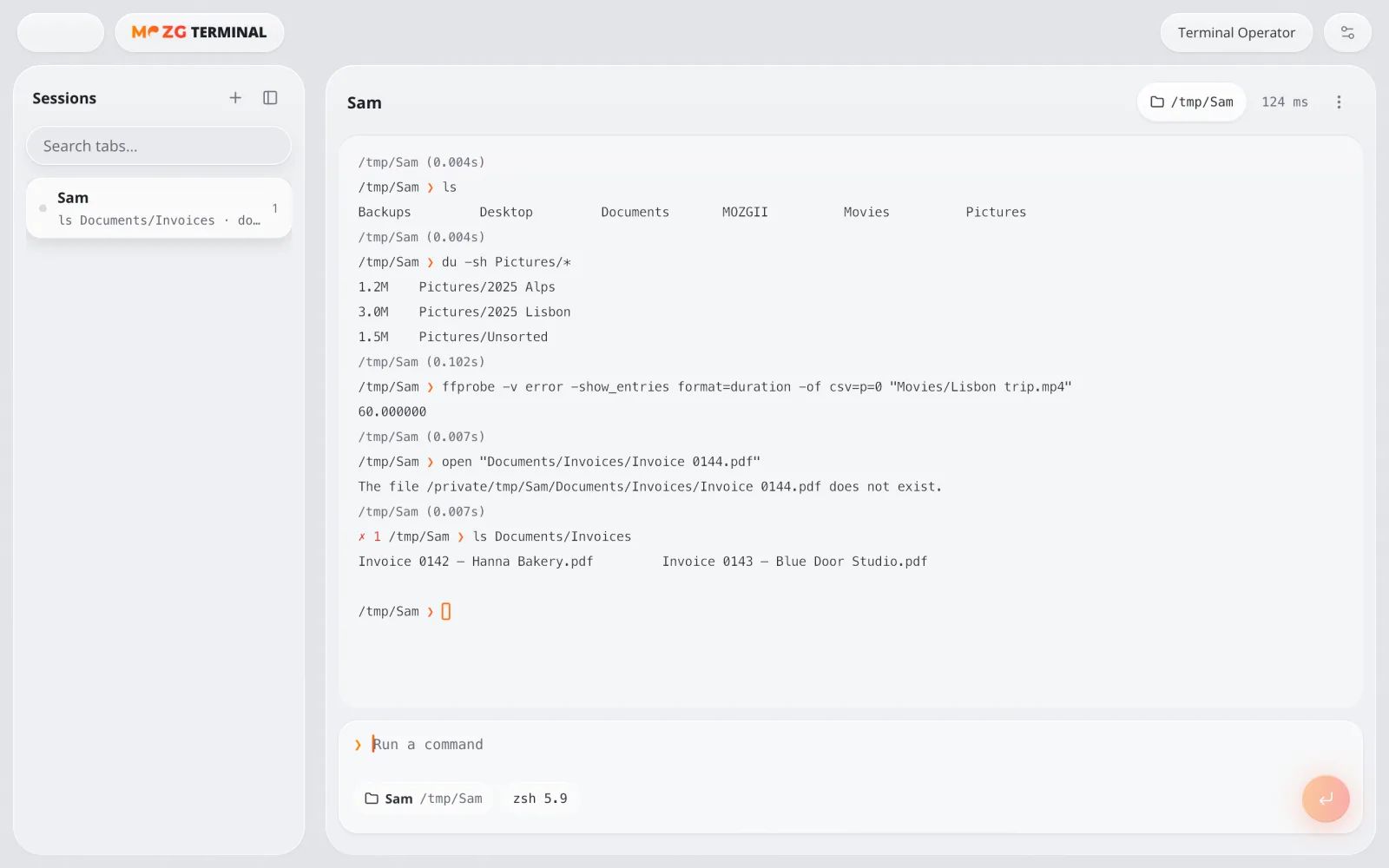
Terminal
For people who type commands.
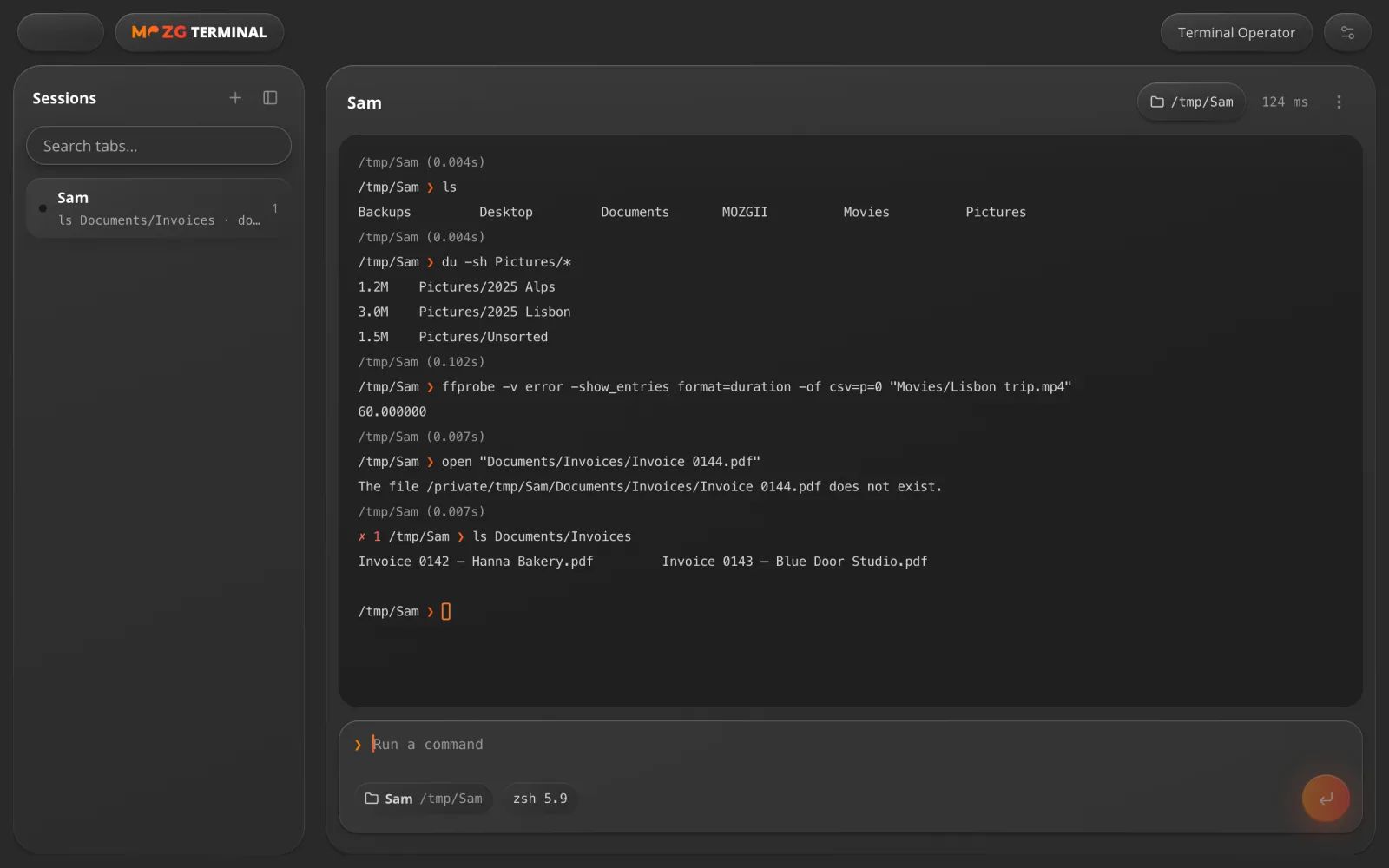
Your own command line in tabs and splits. Every command sits in its own block with its result.
For example: see at a glance which command failed.
04 · AI in every app
An assistant in every window.
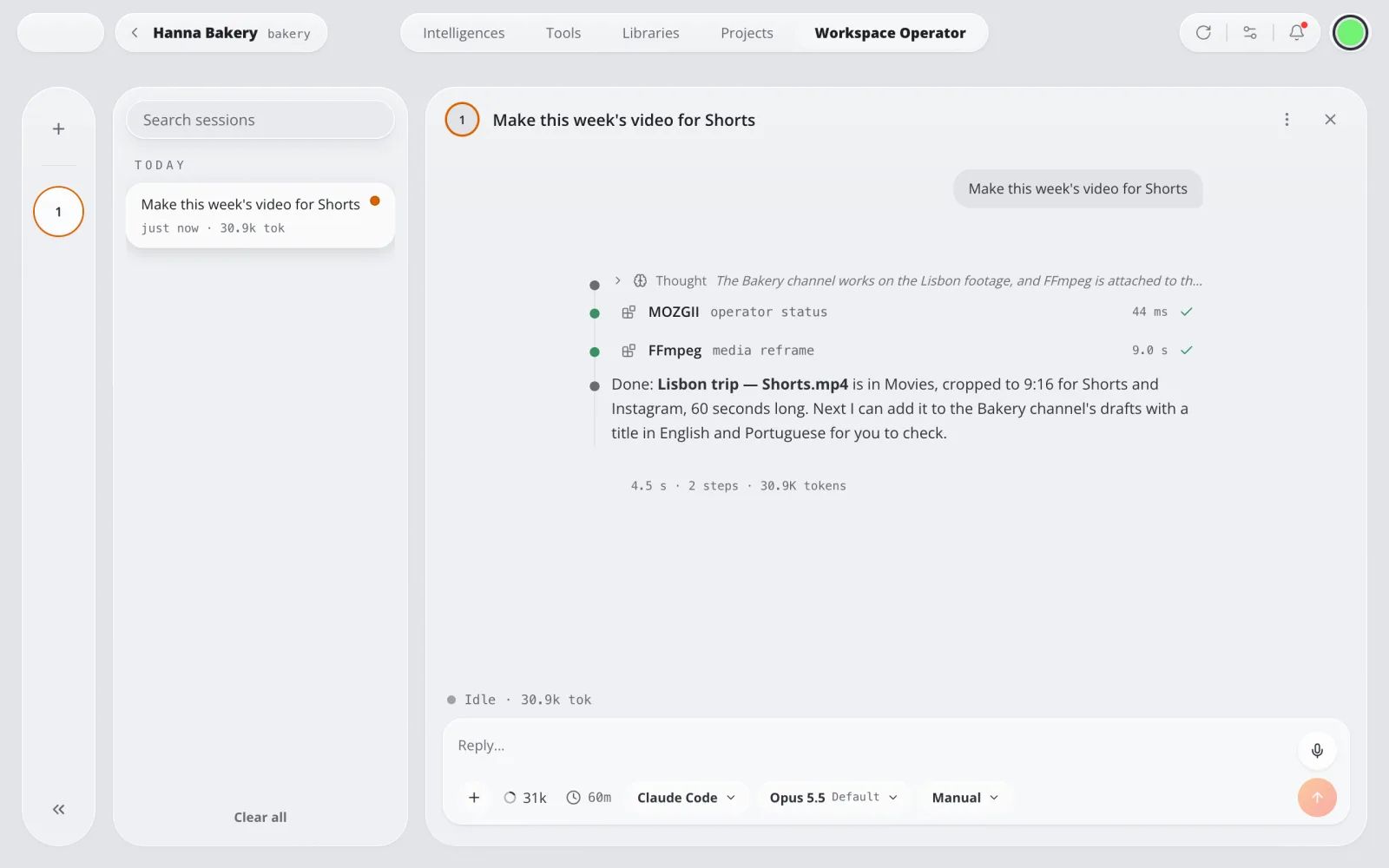
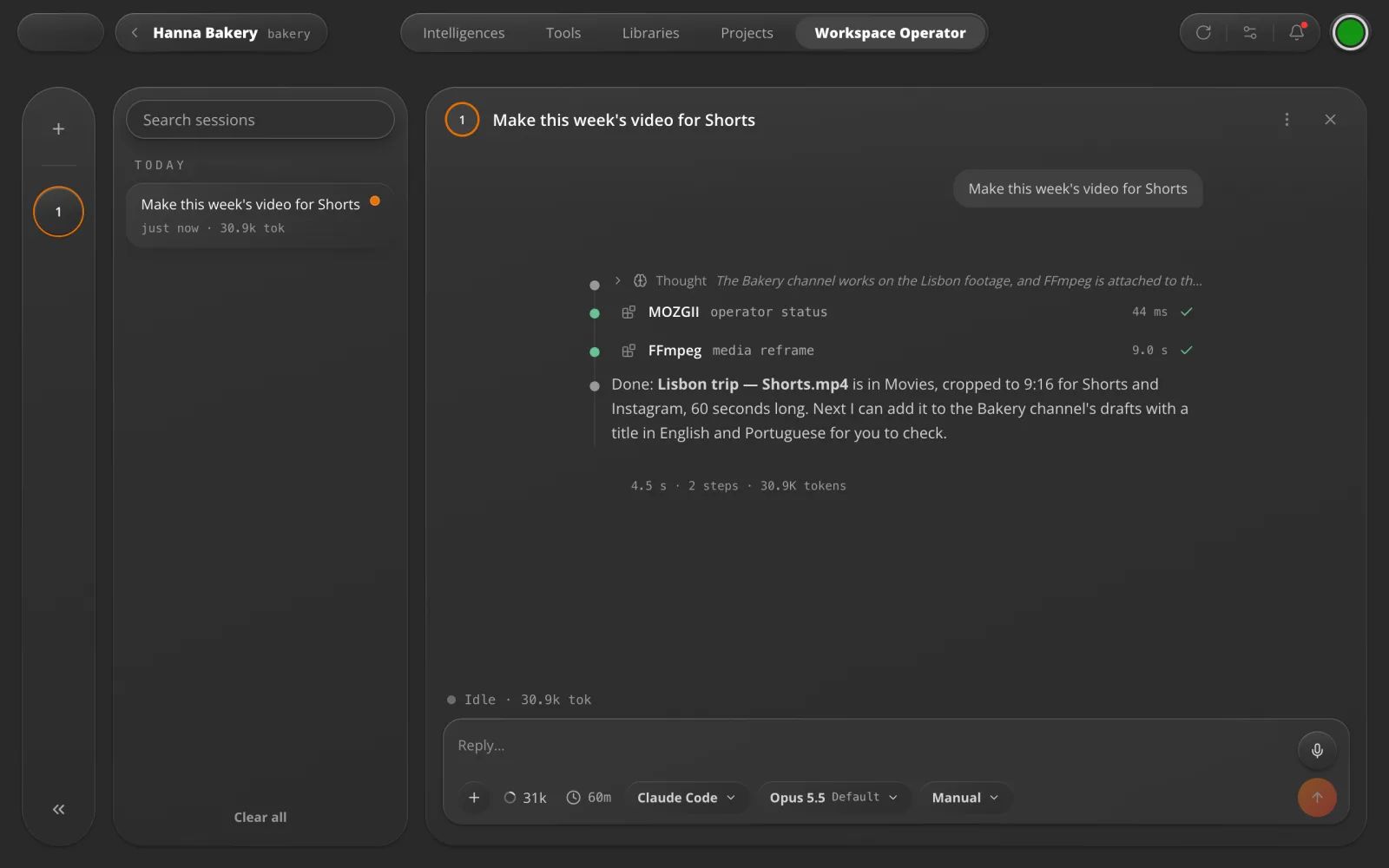
Workspace Operator
It knows your work.
Each workspace has an AI assistant that knows its Intelligences and tools and picks the right one.
For example: “Make this week's video for Shorts” goes to FFmpeg, and the file lands in Movies.
Explorer Operator
Ask it to sort your files.
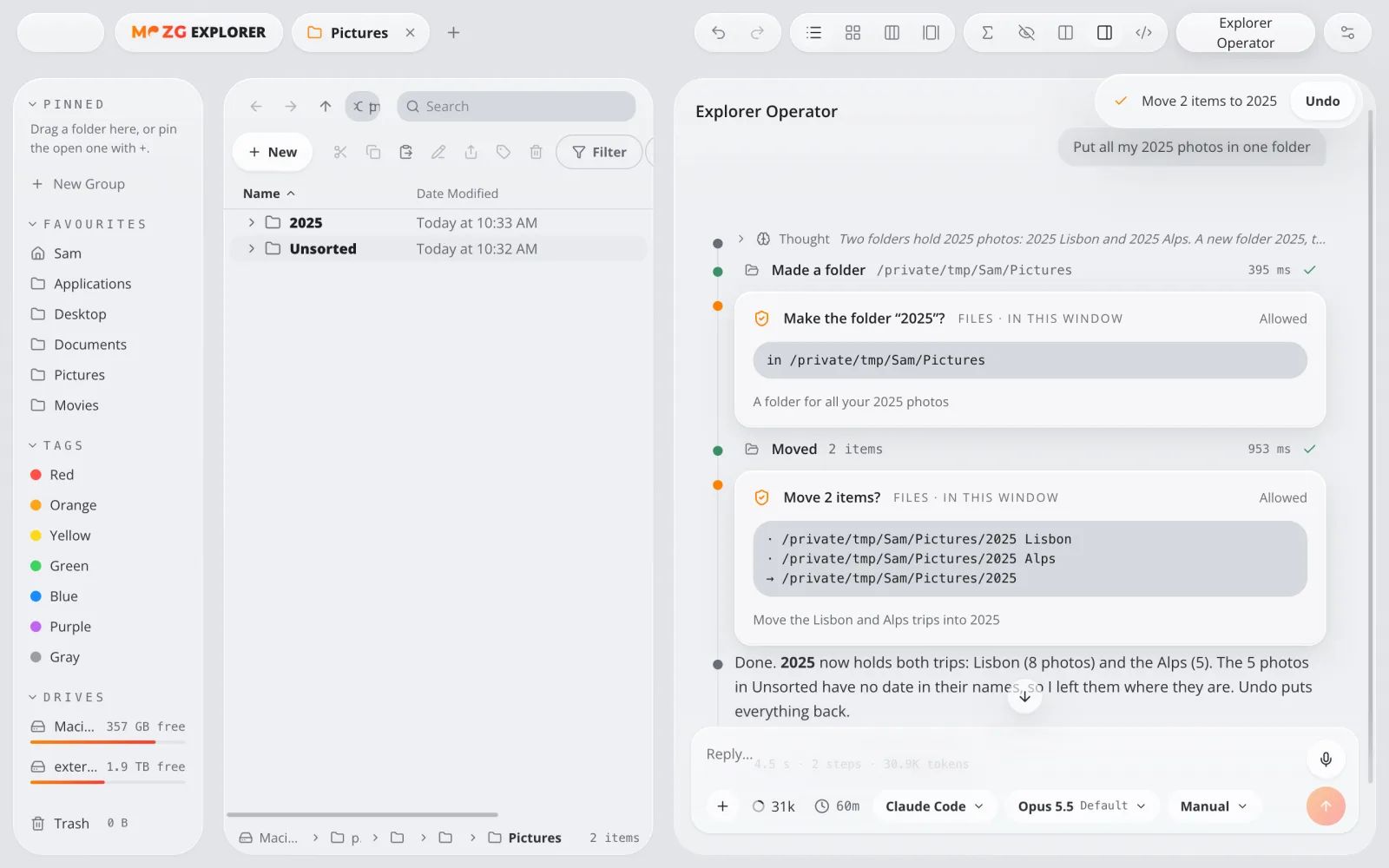
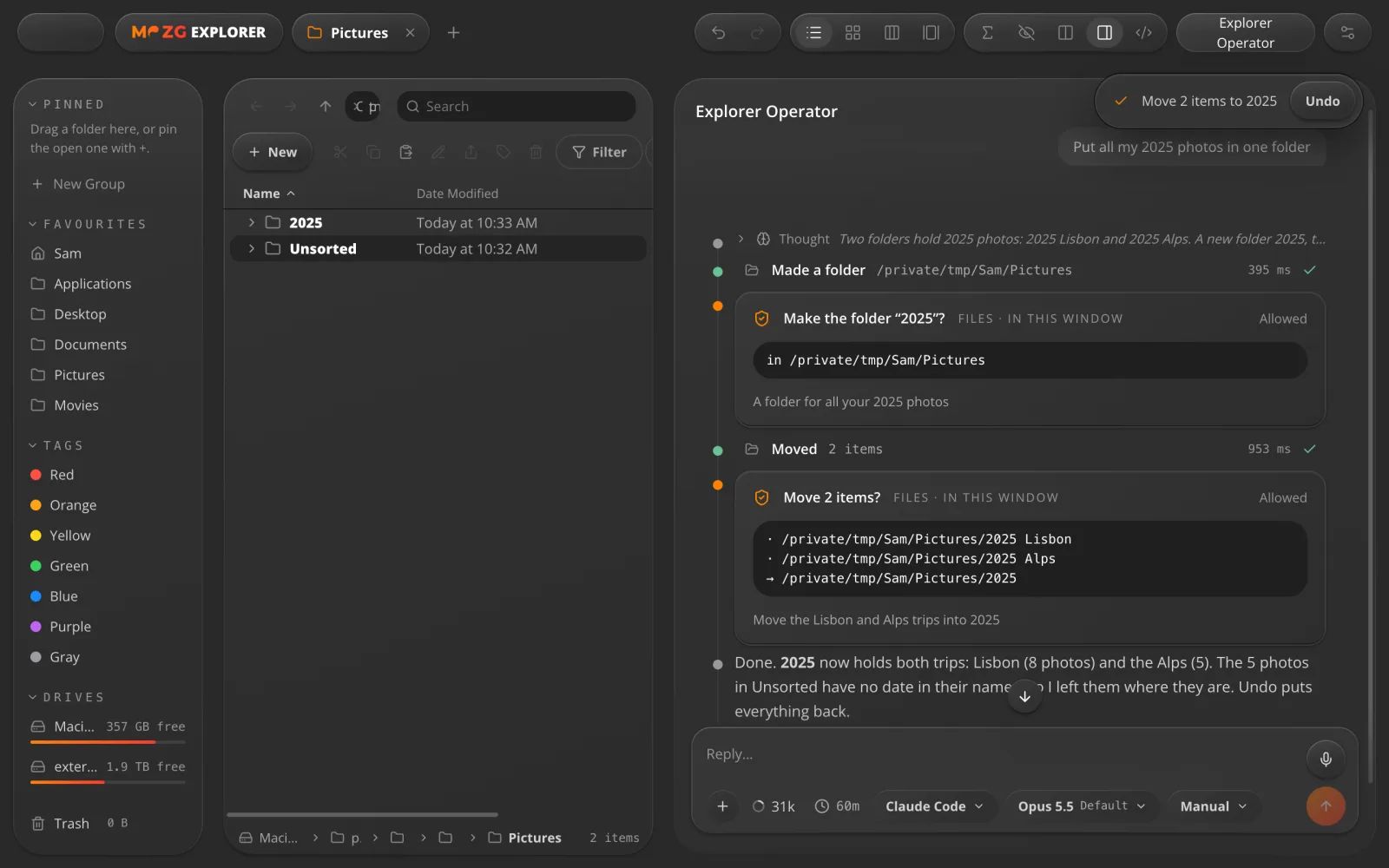
An AI beside every Explorer window. It finds, moves and renames files, asks before it changes anything, and one click undoes it.
For example: “Put all my 2025 photos in one folder.”
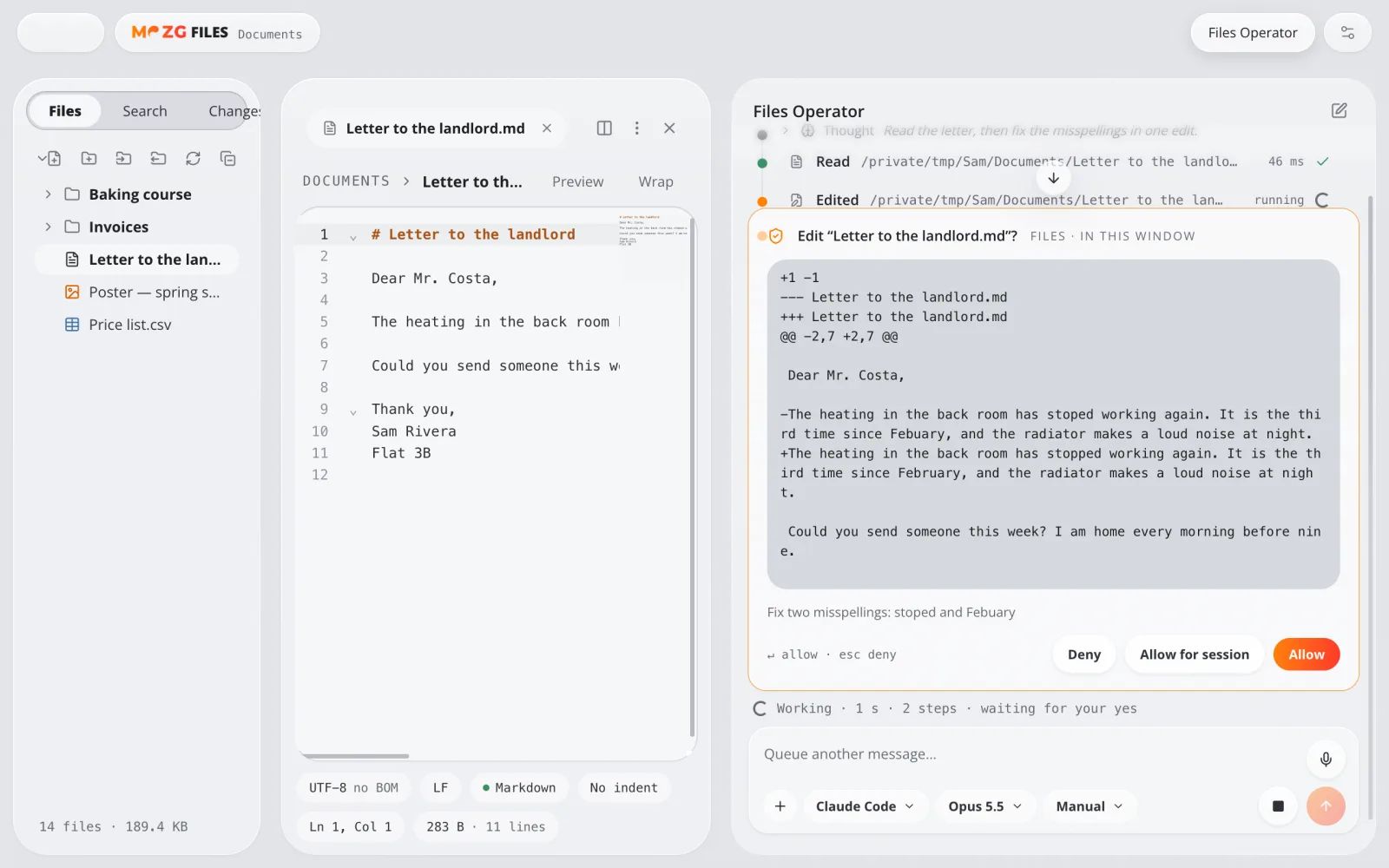
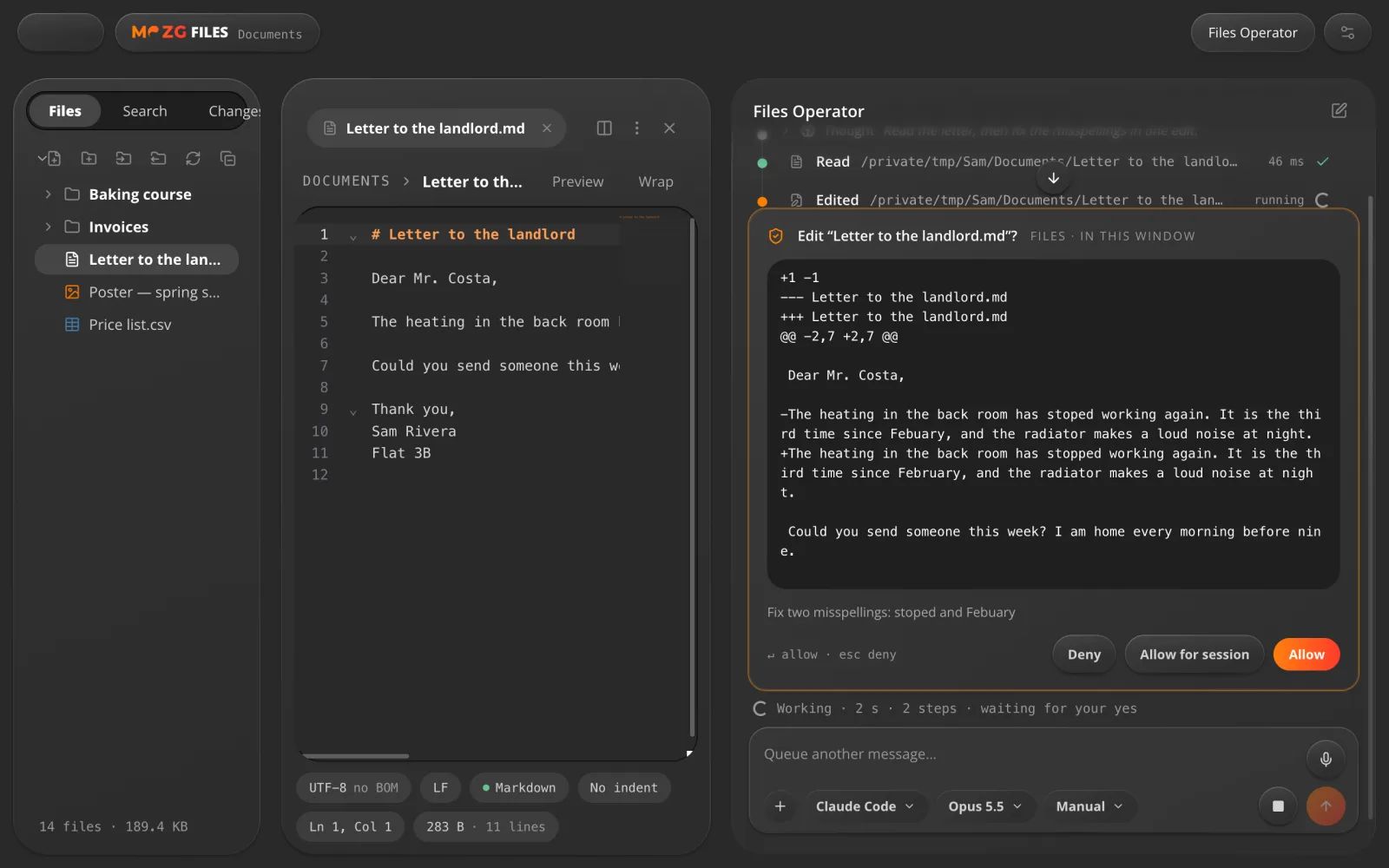
Files Operator
Ask it to fix a file.
An AI beside every Files window. It shows you the change first, then makes it. Undo any time.
For example: “Fix the spelling in this letter.”
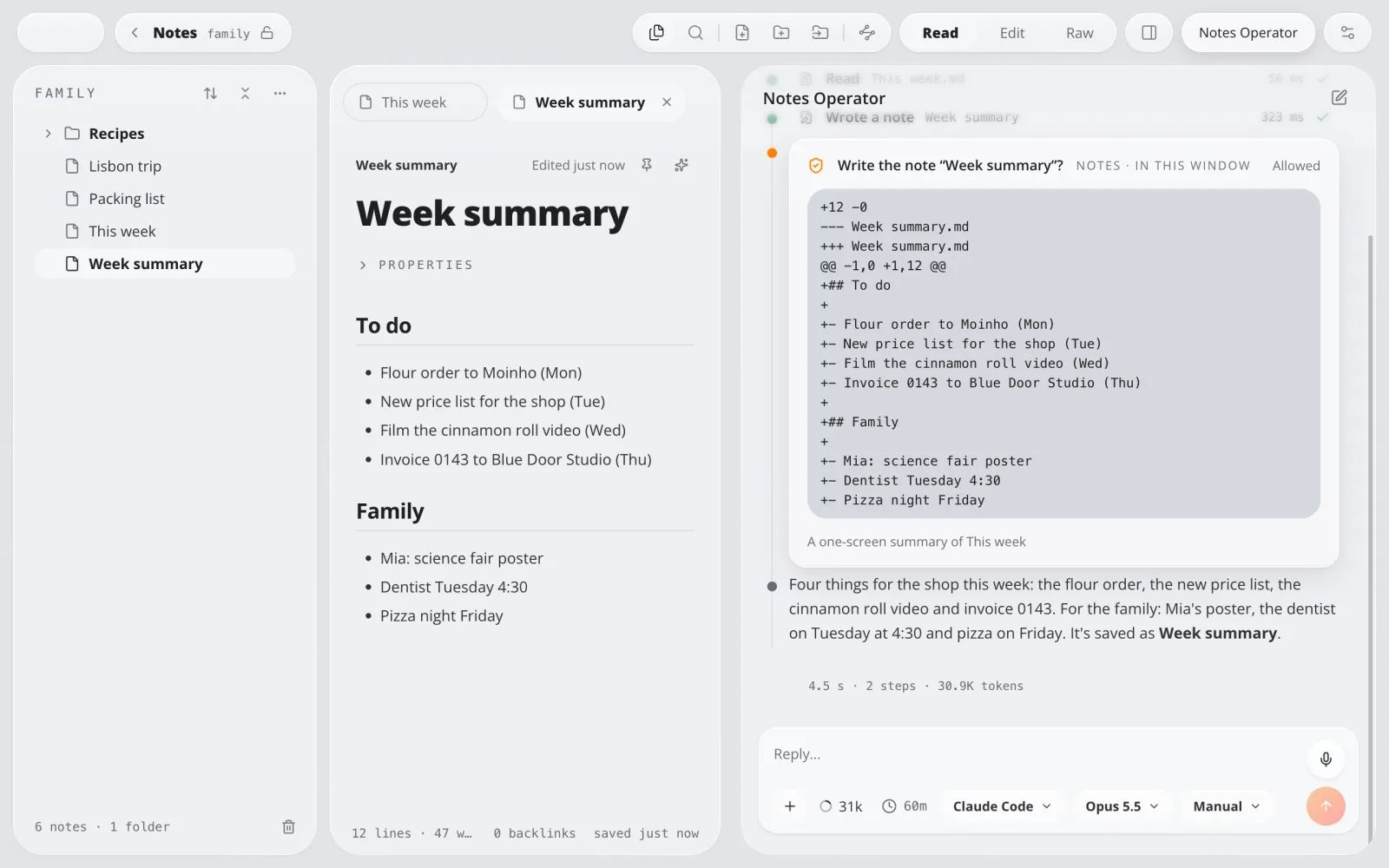
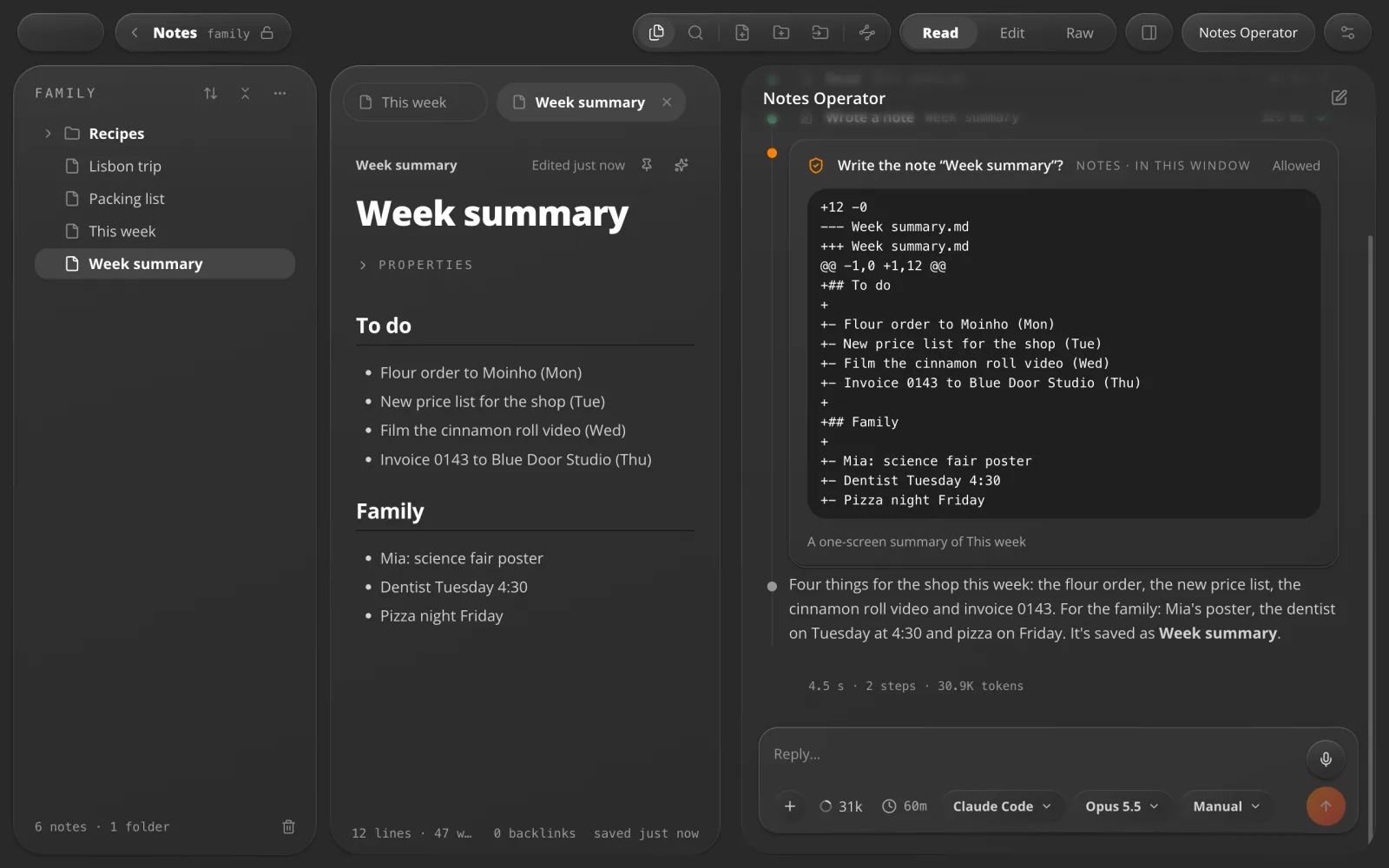
Notes Operator
Ask it to tidy your notes.
An AI beside every notebook. It finds, writes and links notes, and shows each change before it saves.
For example: “Sum up this week's notes.”
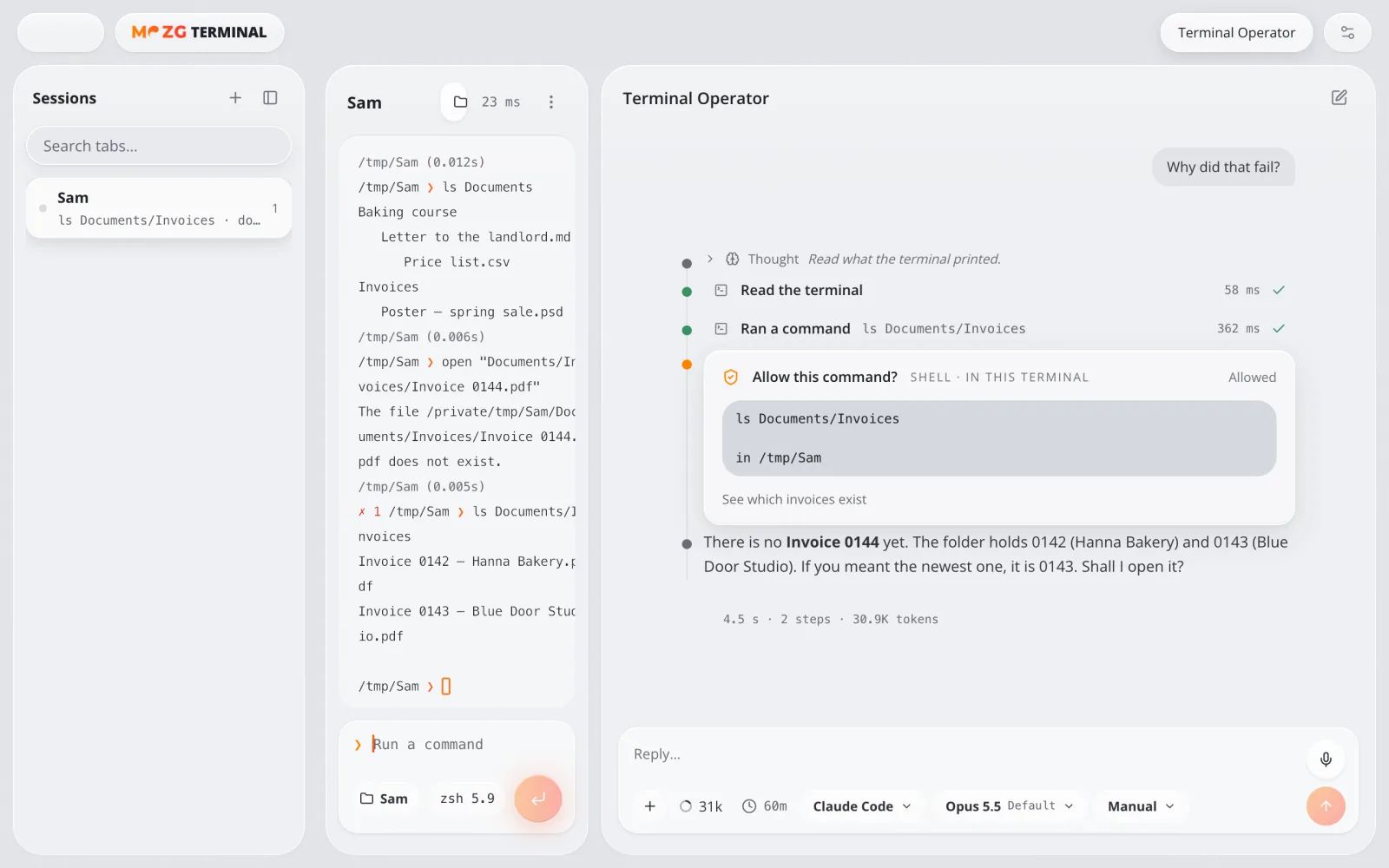
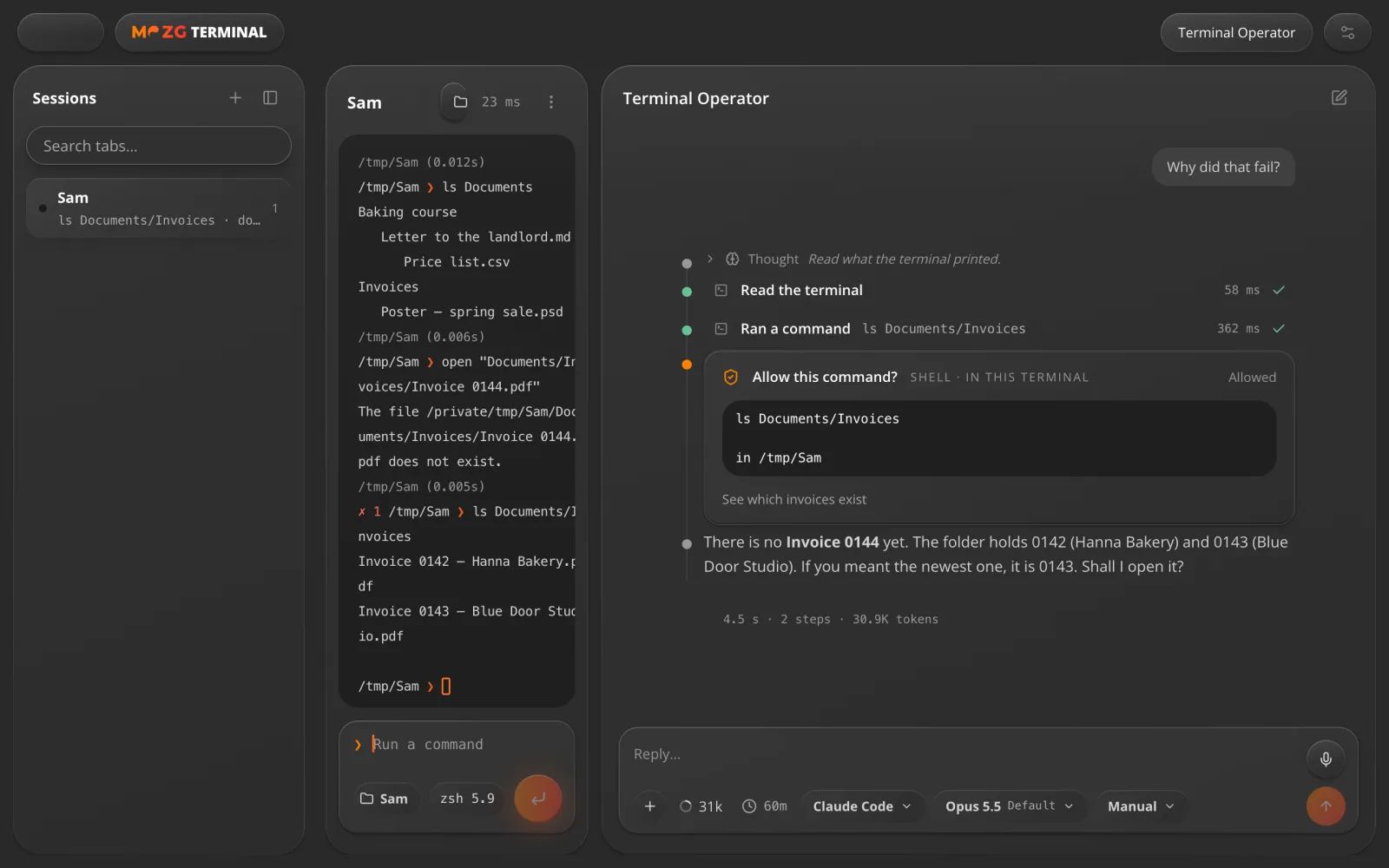
Terminal Operator
Ask it. It types it.
An AI beside every terminal. It reads what happened and runs the next command once you say yes.
For example: “Why did that fail?”
05 · In the background
It keeps working while you rest.
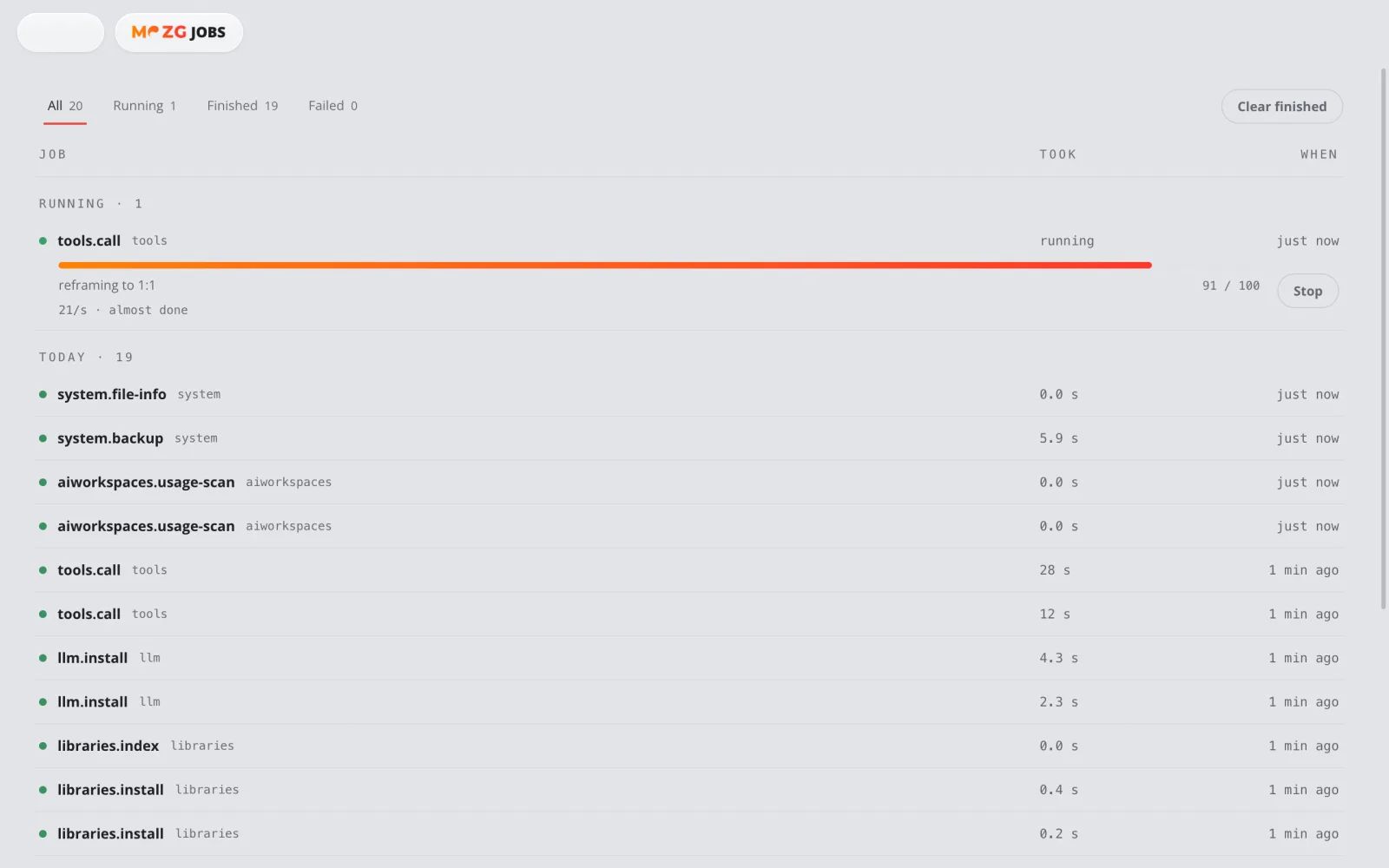
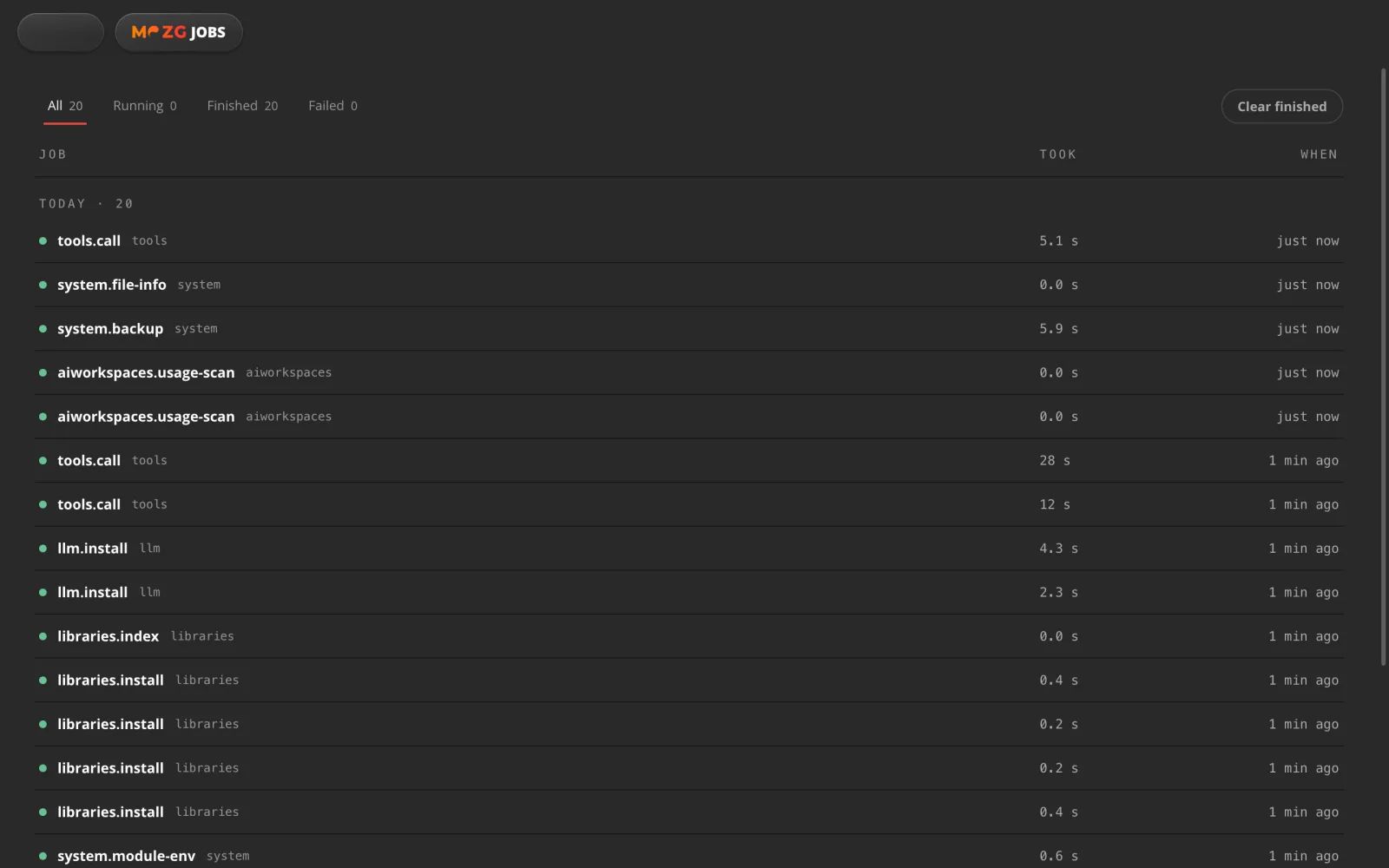
Jobs and schedules
Big work, in the background.
Start something long and carry on. It survives a restart, and it can repeat on a schedule.
For example: make a vertical copy of a long video while you answer your email.
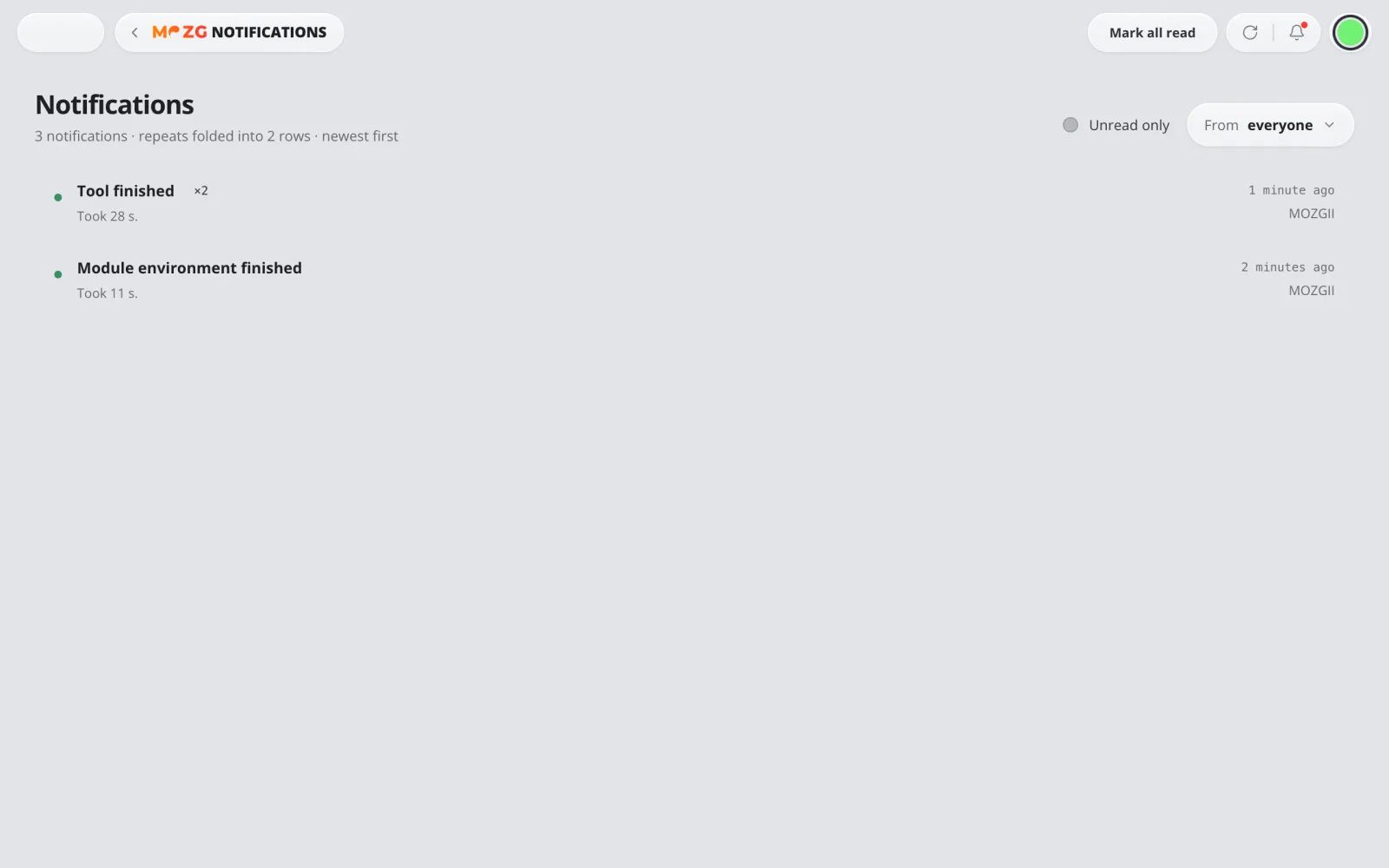
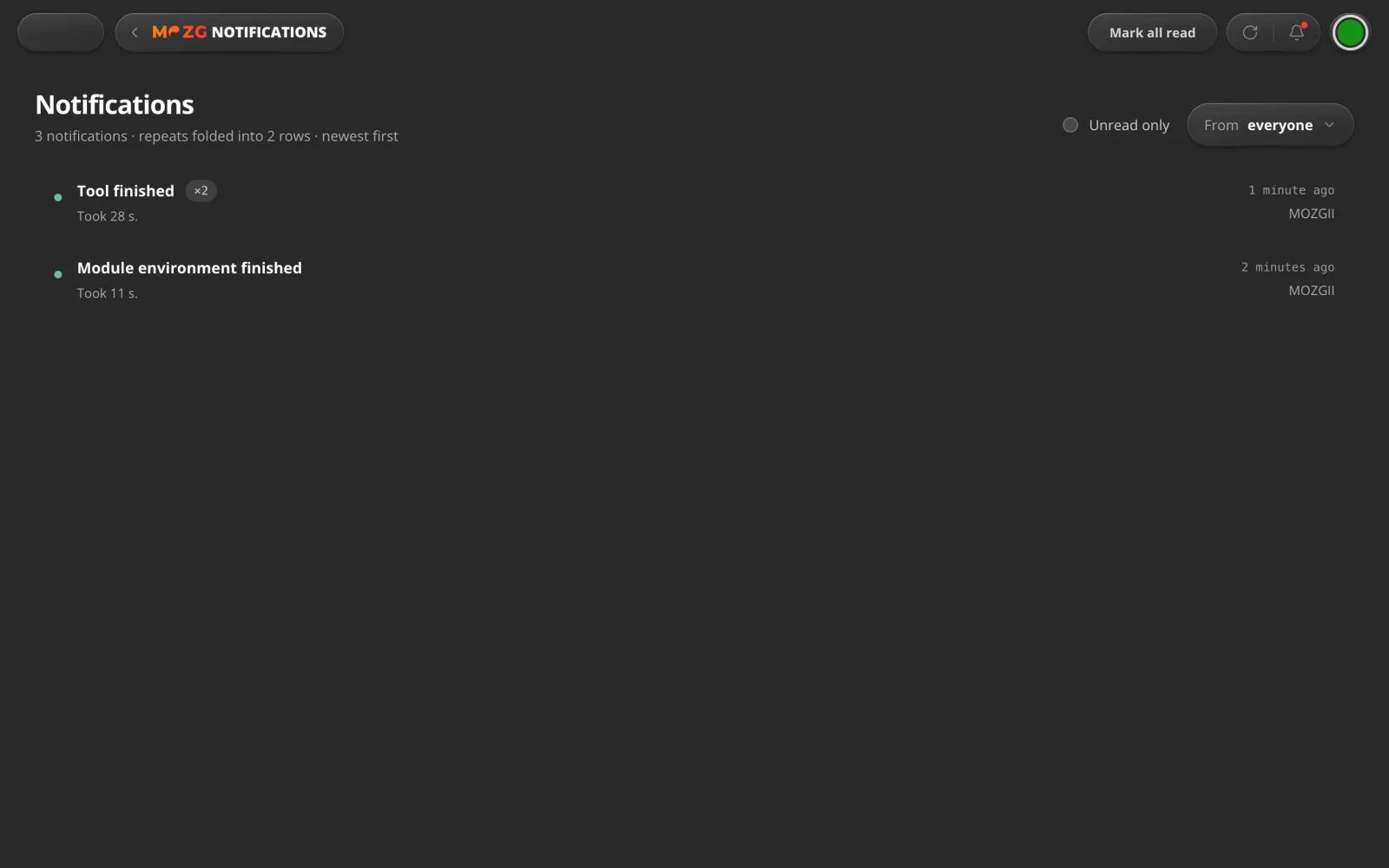
Inbox
It tells you when it's done.
A short notice when long work finishes or breaks, even while you are looking at something else.
For example: your video is ready while you're making dinner.
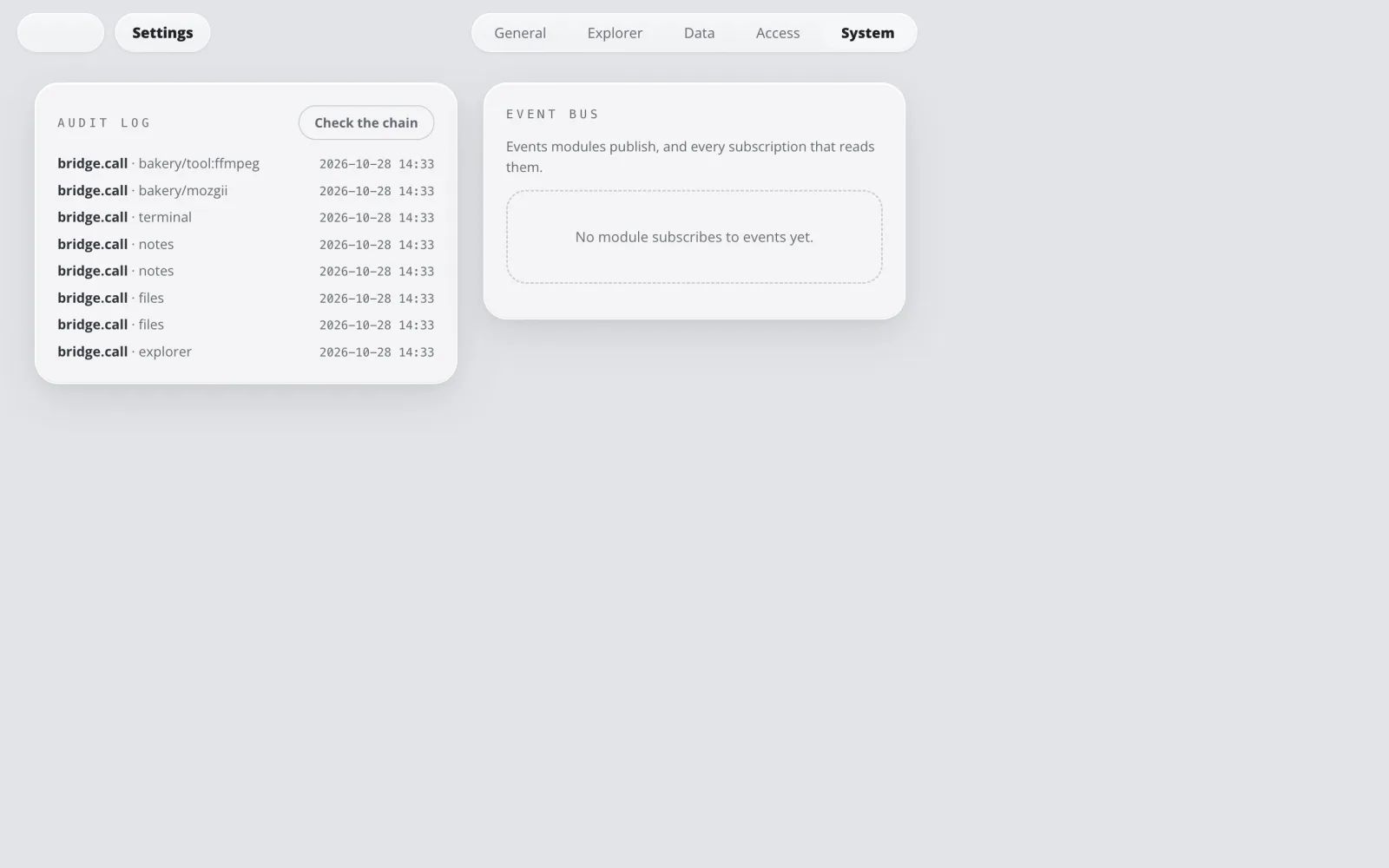
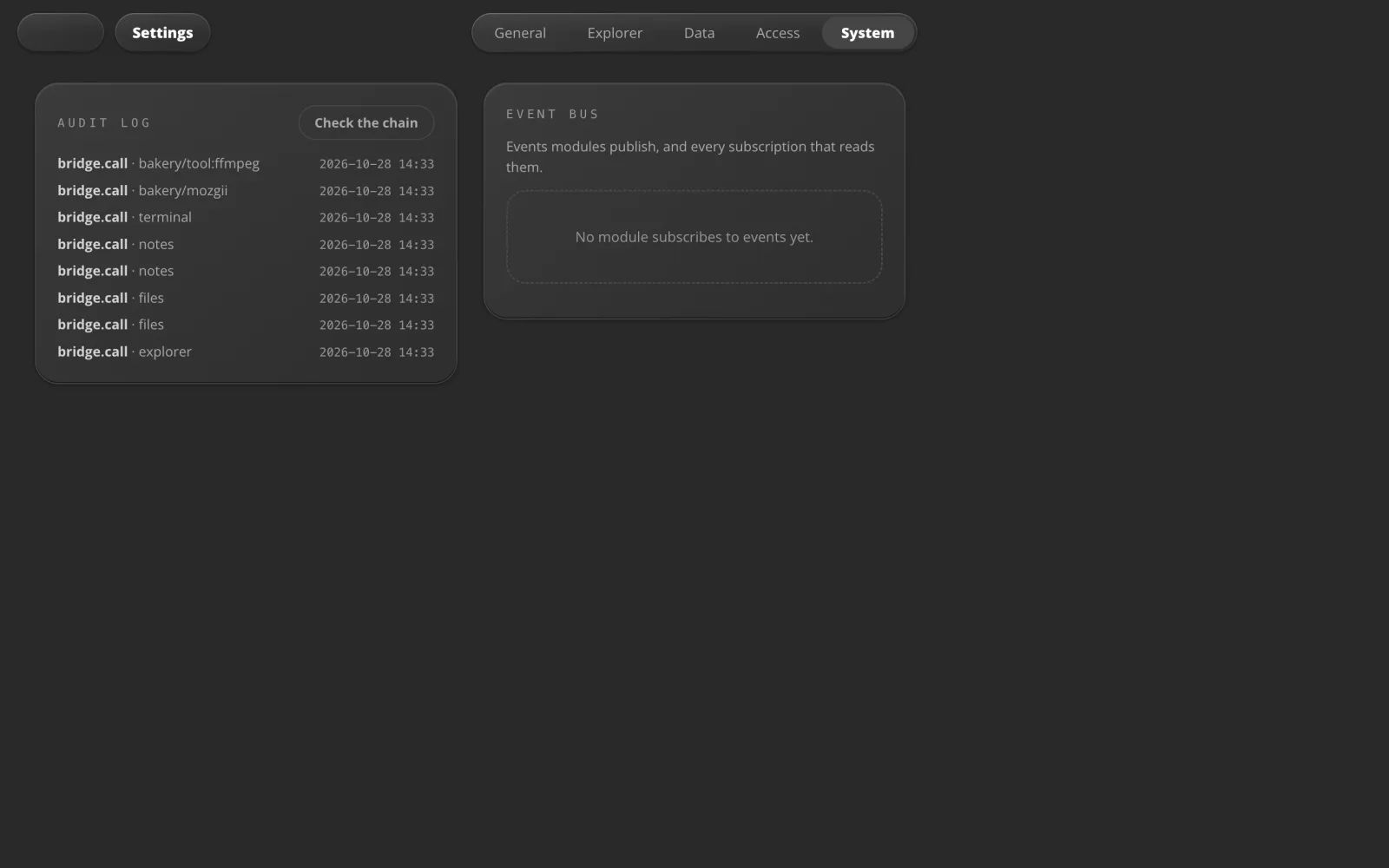
Activity
See everything it did.
A record of every call into a tool or an Intelligence: who made it, from where, and how it went.
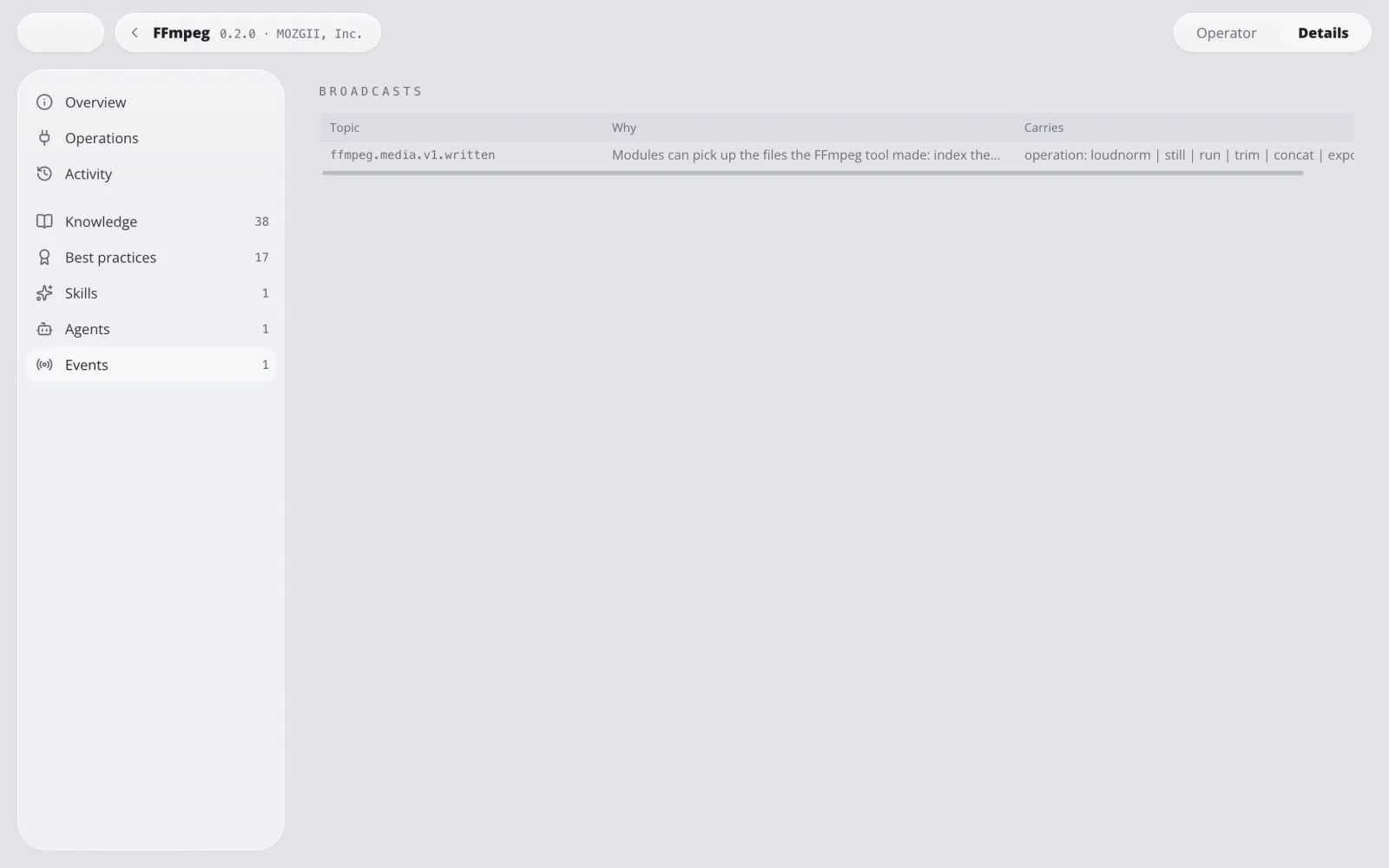
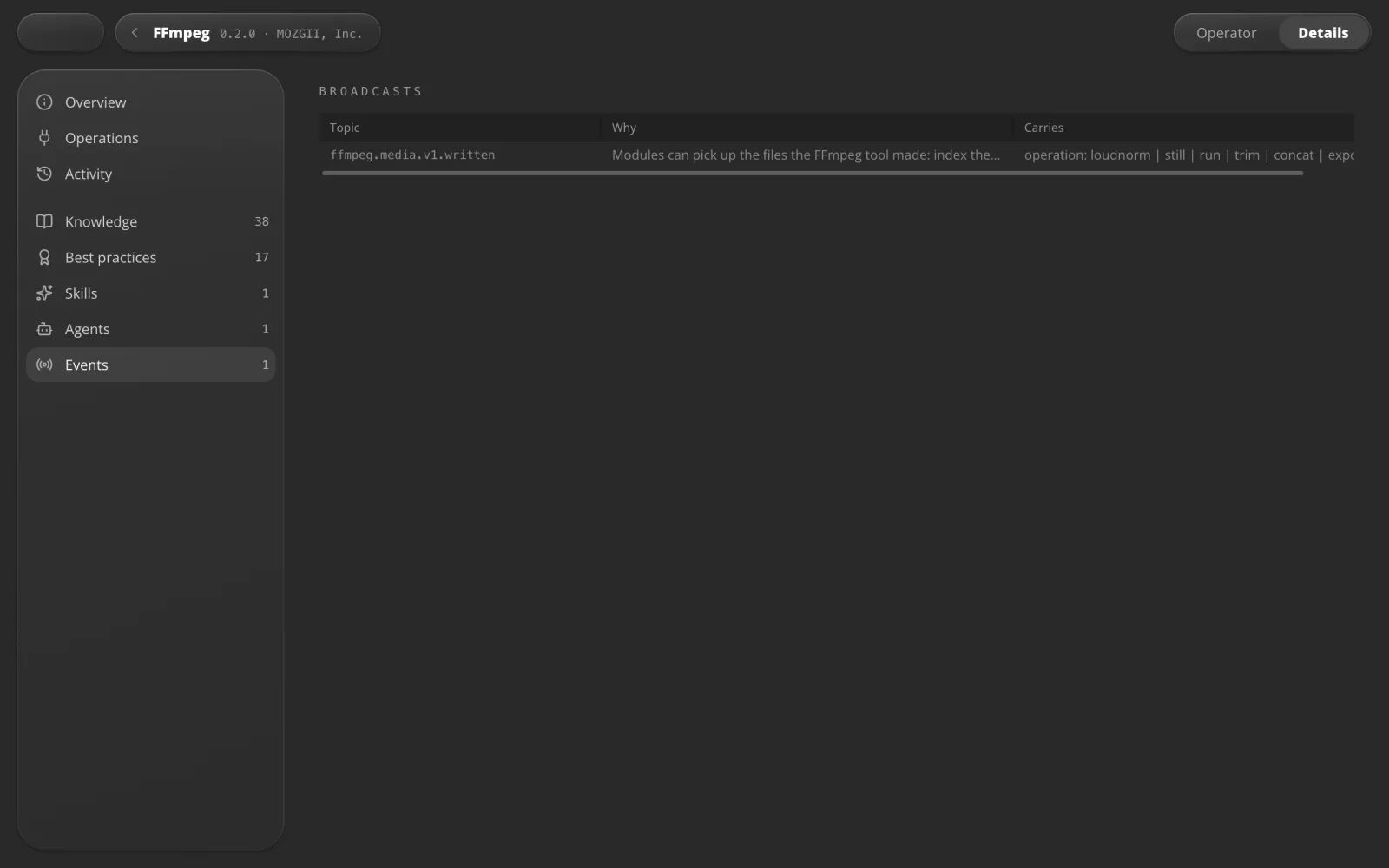
Events
Your apps can follow each other.
A tool announces what it made, and other apps can pick it up on their own.
For example: FFmpeg finishes a video and says so, and the next app can take it from there.
Local models
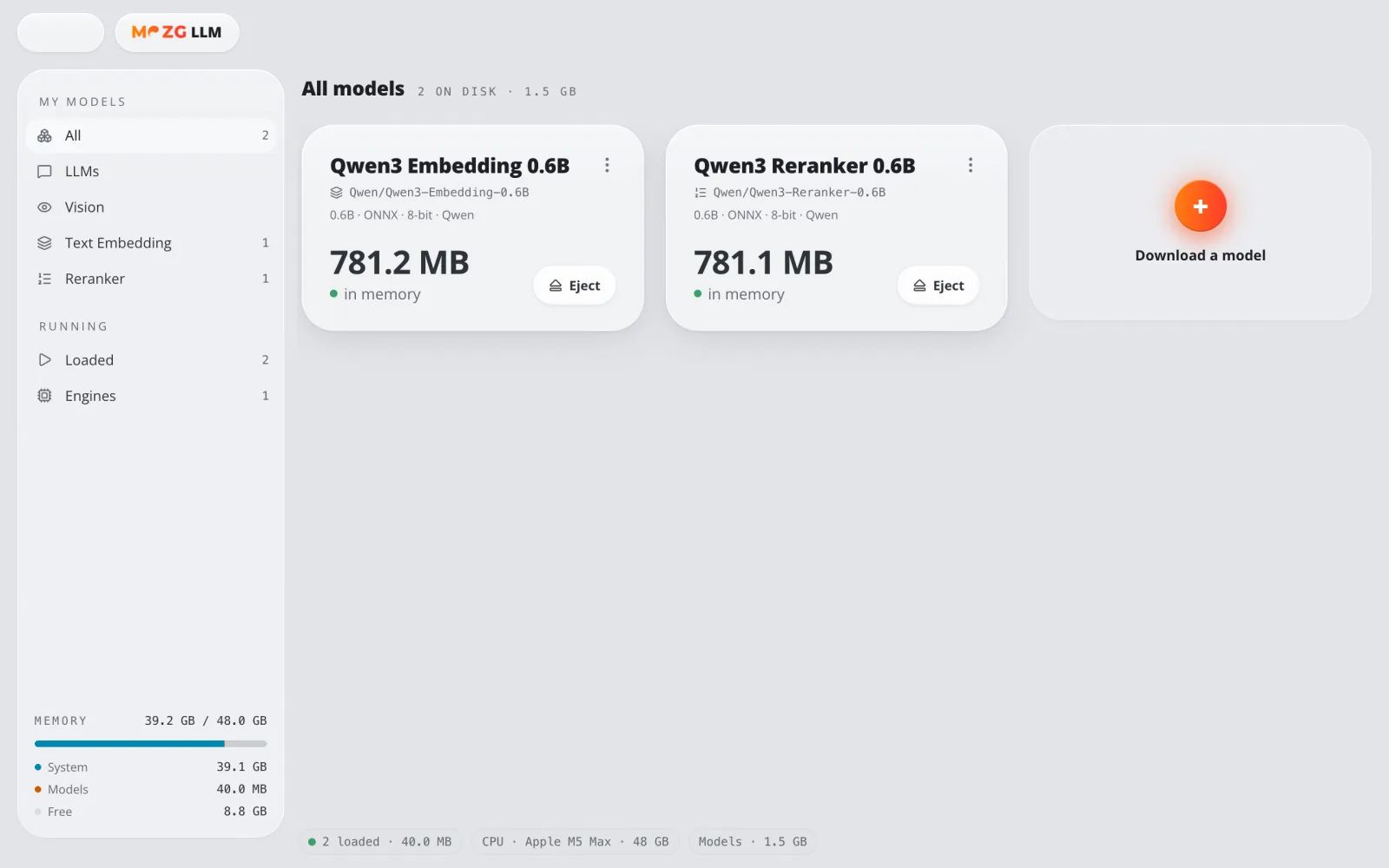
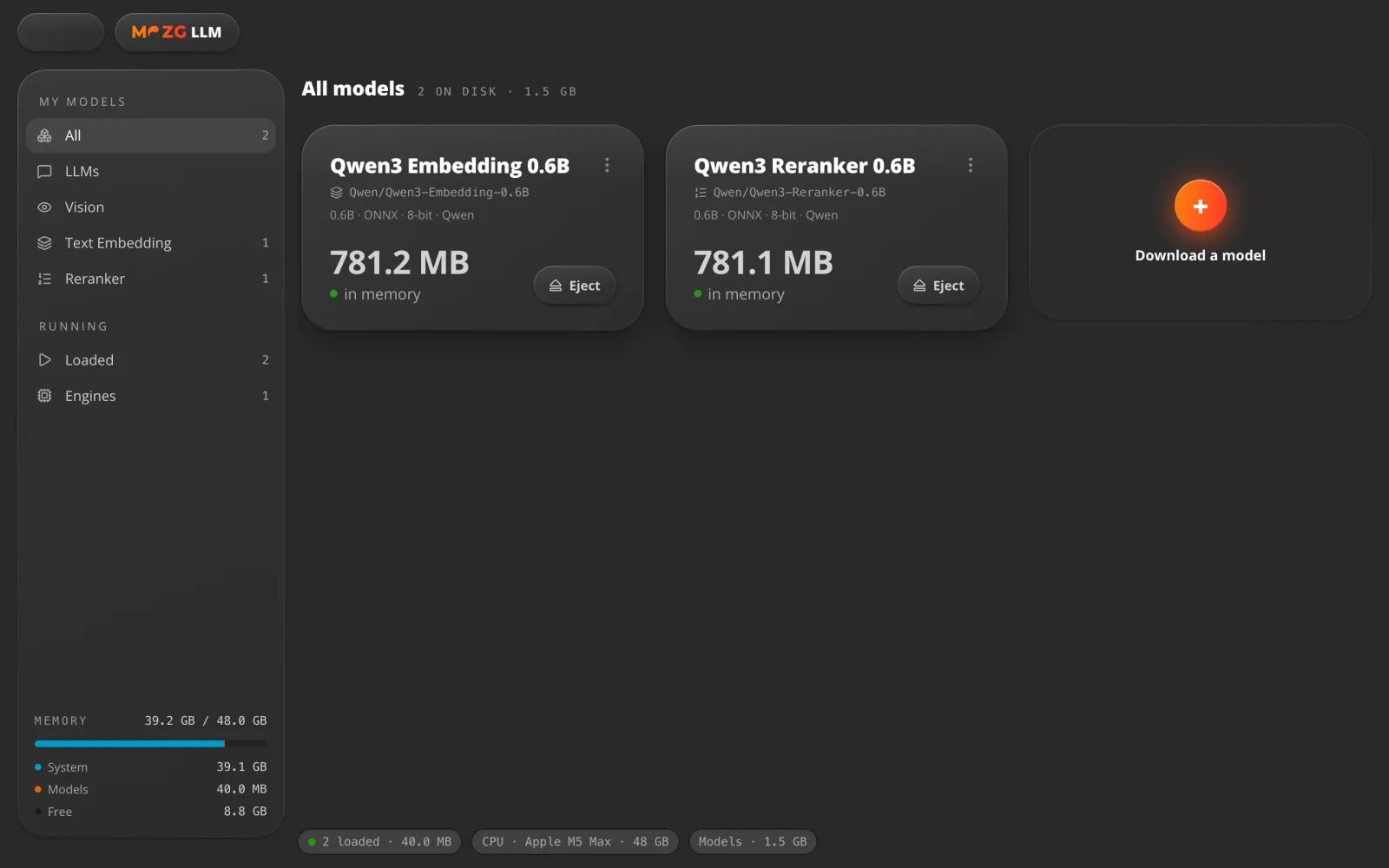
AI that runs at home.
Small AI models that run on your own computer, with no cloud in between. They power the search in your libraries.
For example: your libraries are searched by meaning, in more than 100 languages.
06 · Safe by design
Your computer. Your rules.
Vault
Locked with one password.
Everything secret sits behind your master password and your computer's own key store.
For example: it locks itself after 15 minutes unused.
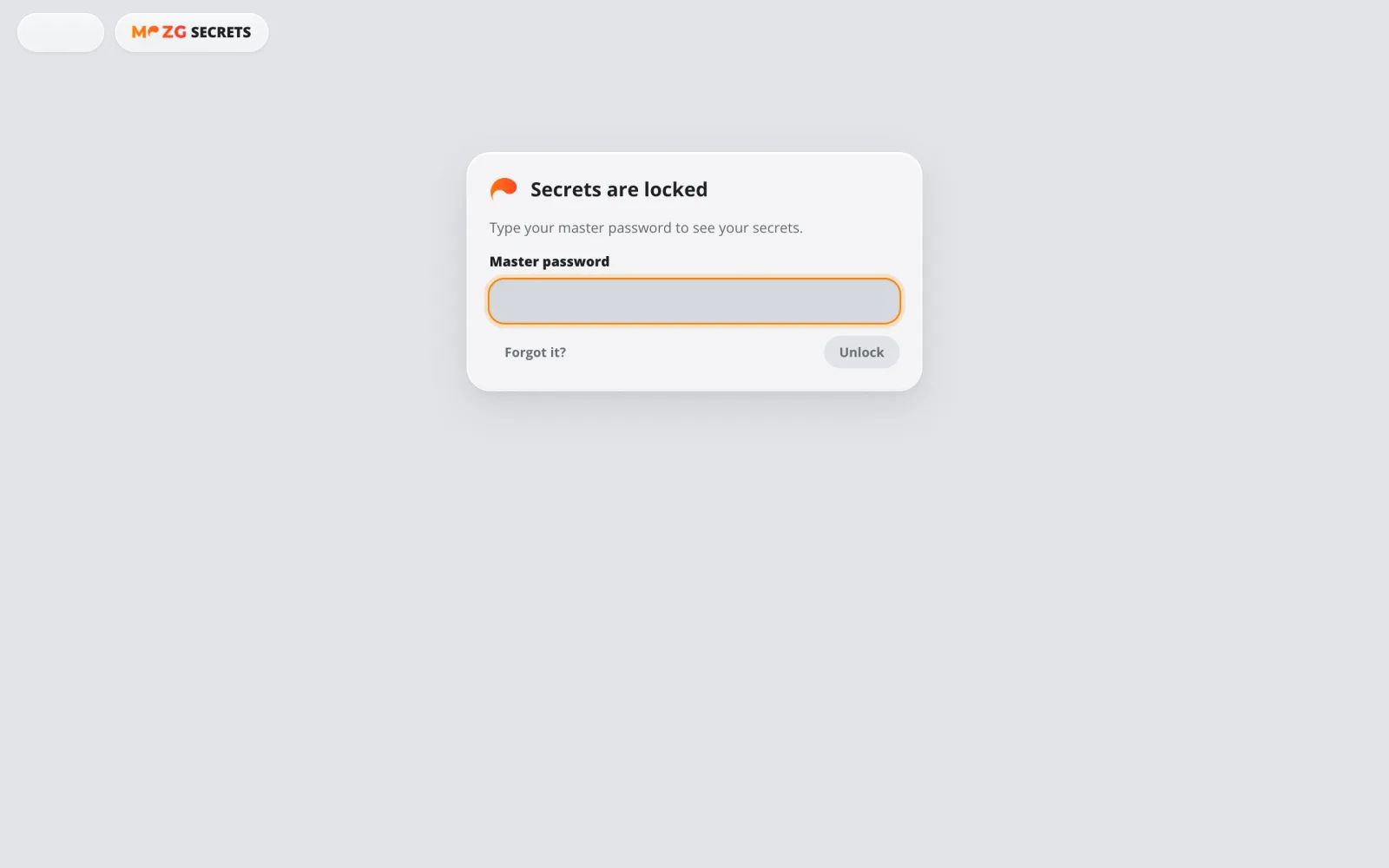
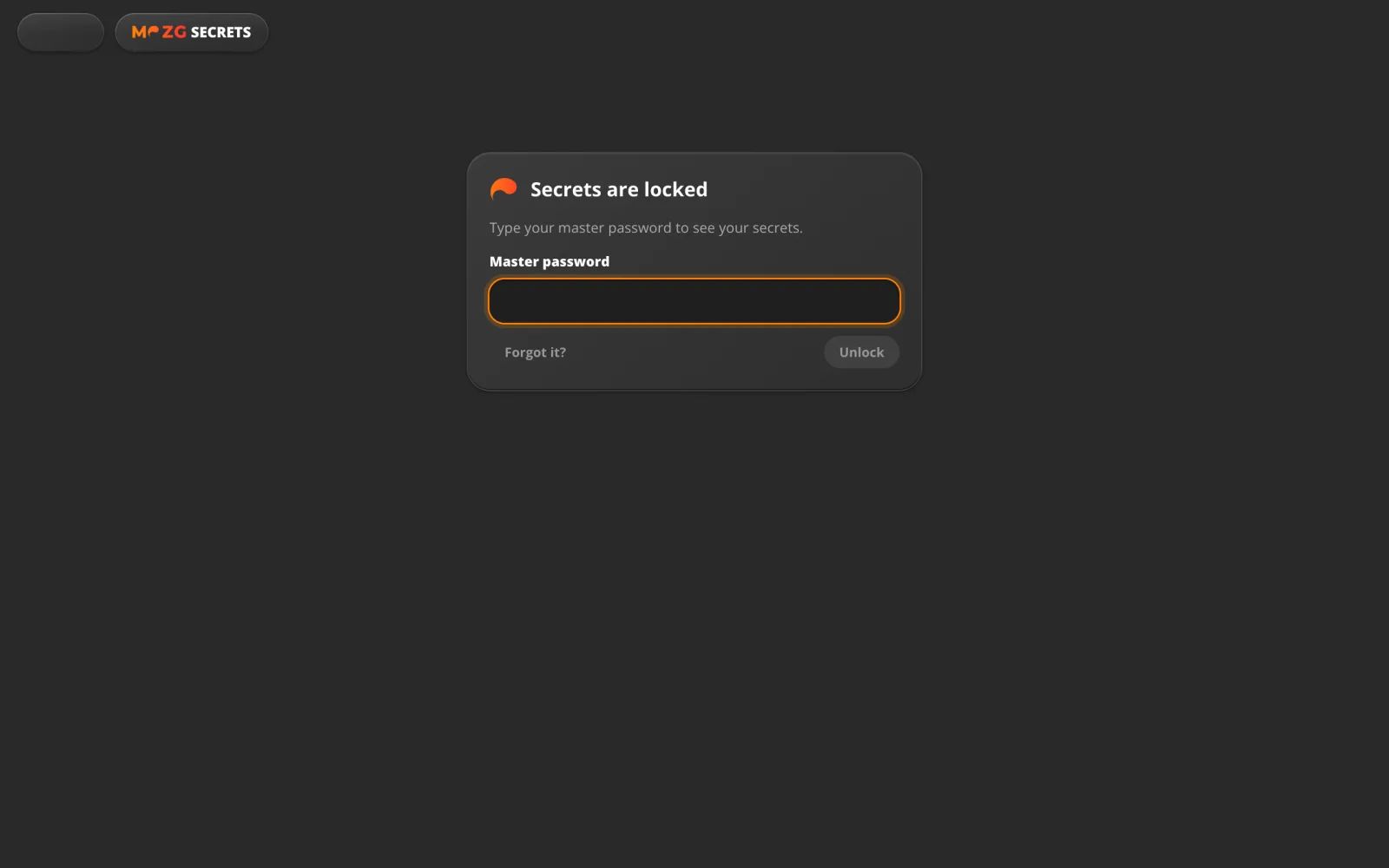
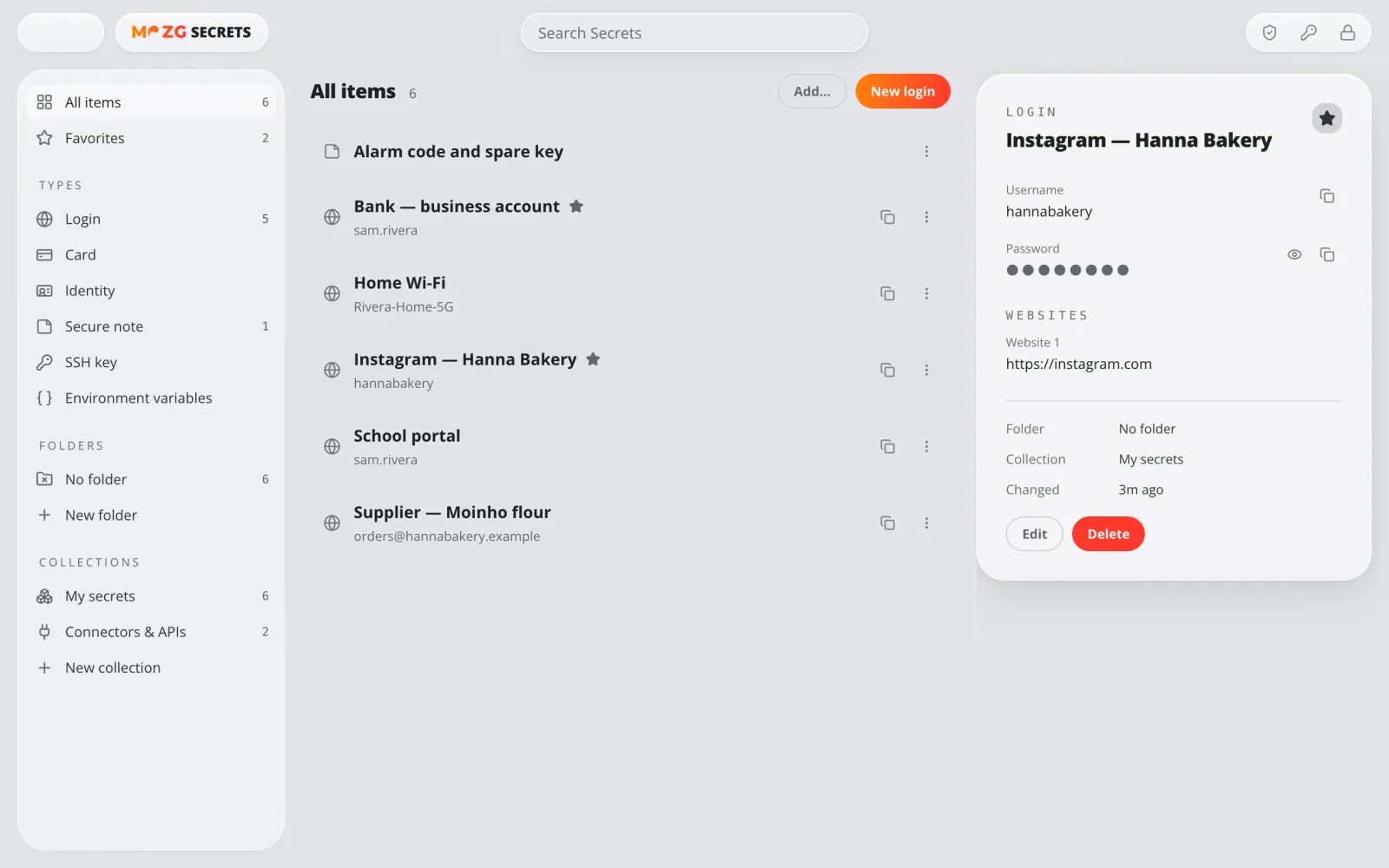
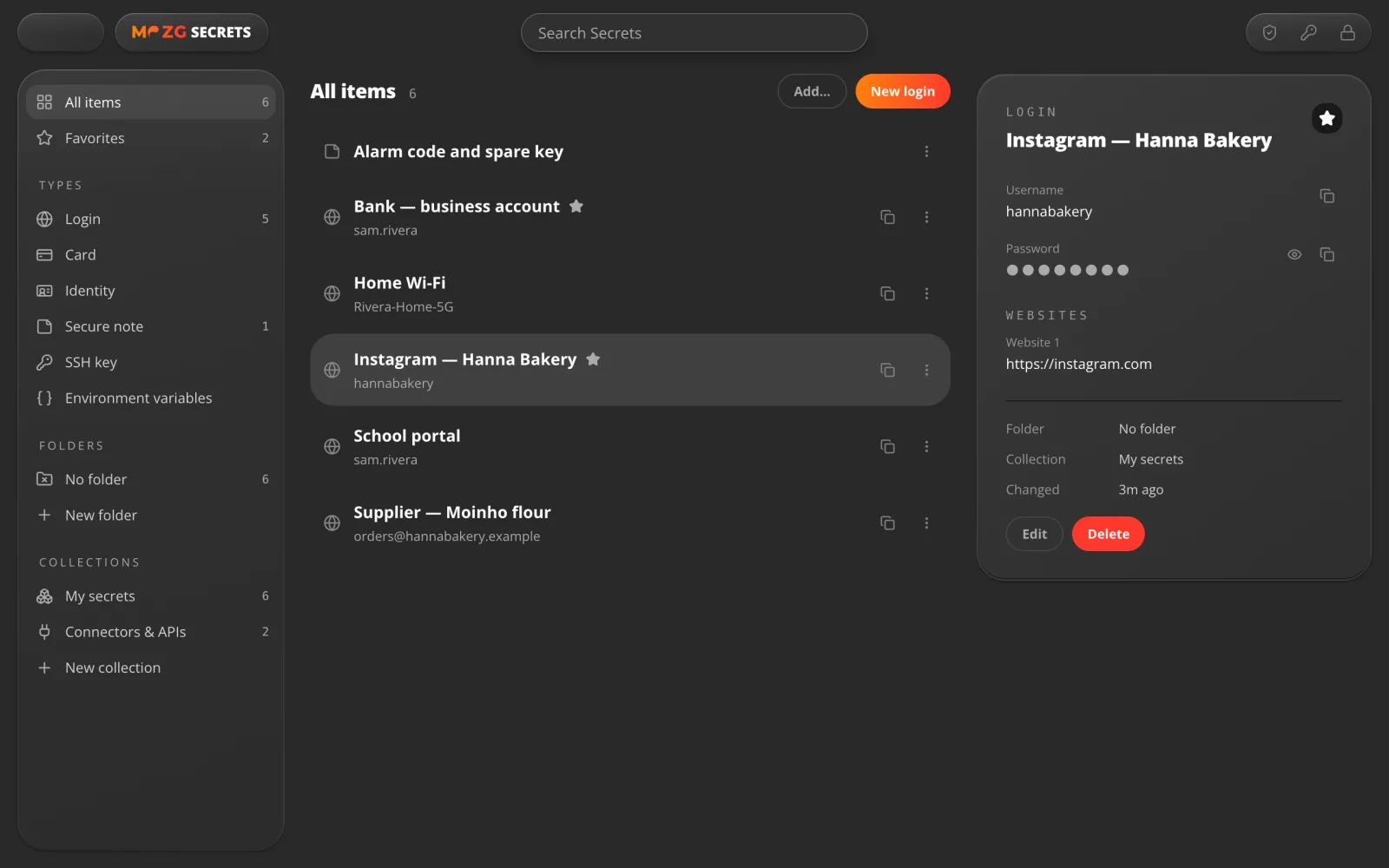
Secrets
All your passwords in one place.
Logins, cards, notes and keys in a window of their own. A password shows only when you ask for it.
For example: the Wi-Fi password, the shop's Instagram, the school portal.
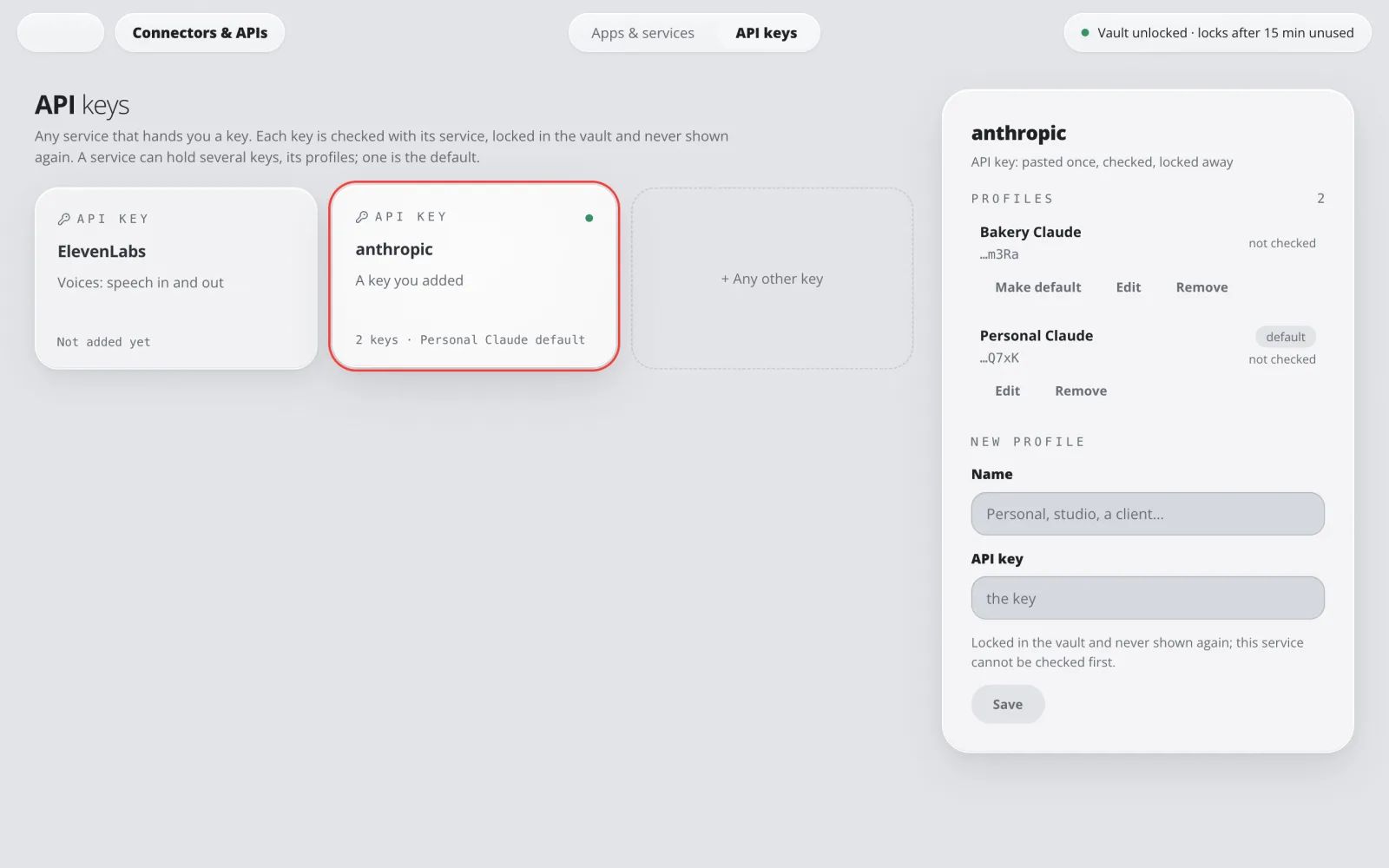
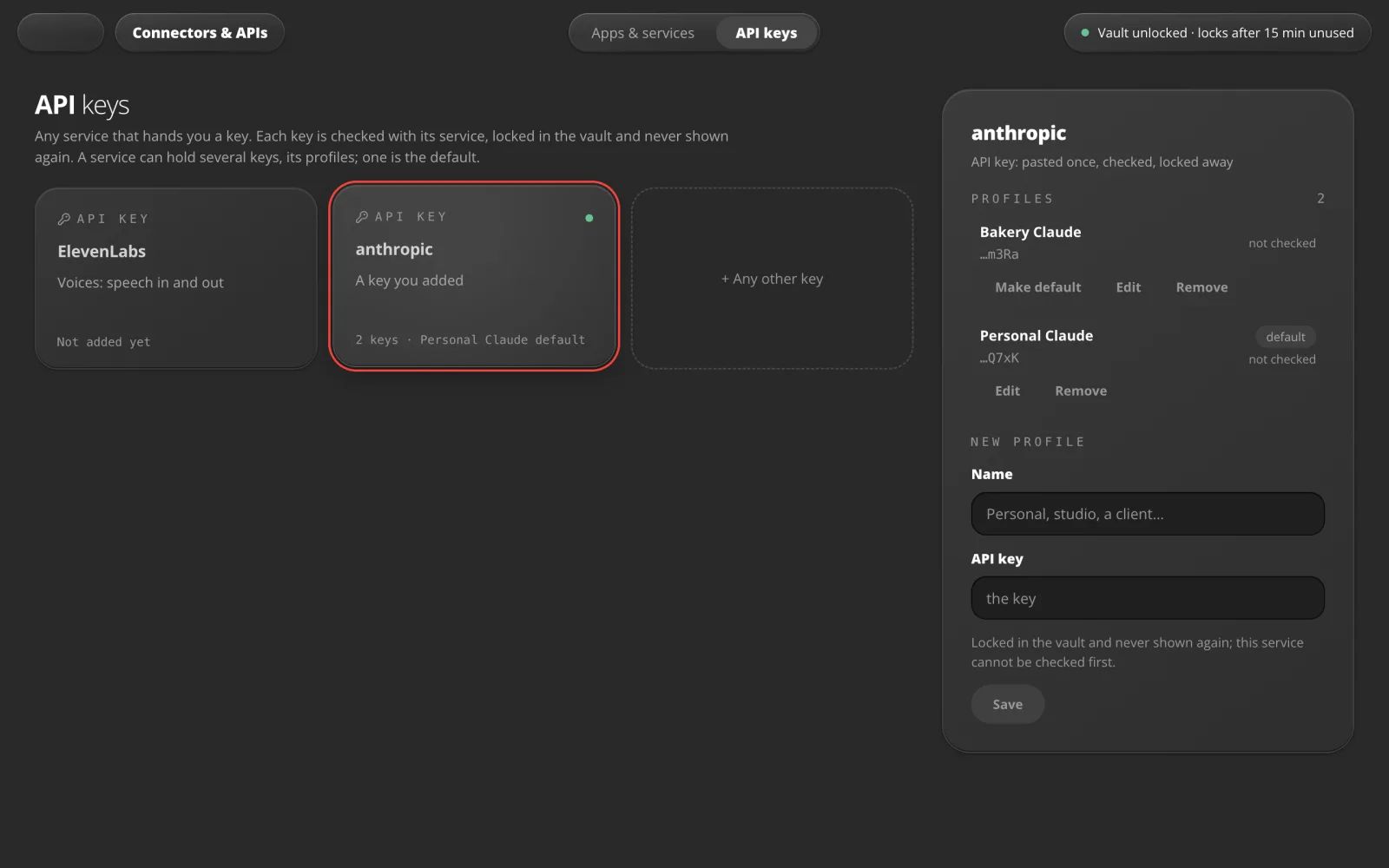
Connectors & APIs
Plug in your accounts.
Add an API key once. It is checked with its service, locked in the vault and never shown again.
For example: one Claude key for you, another for the shop.
Sandbox
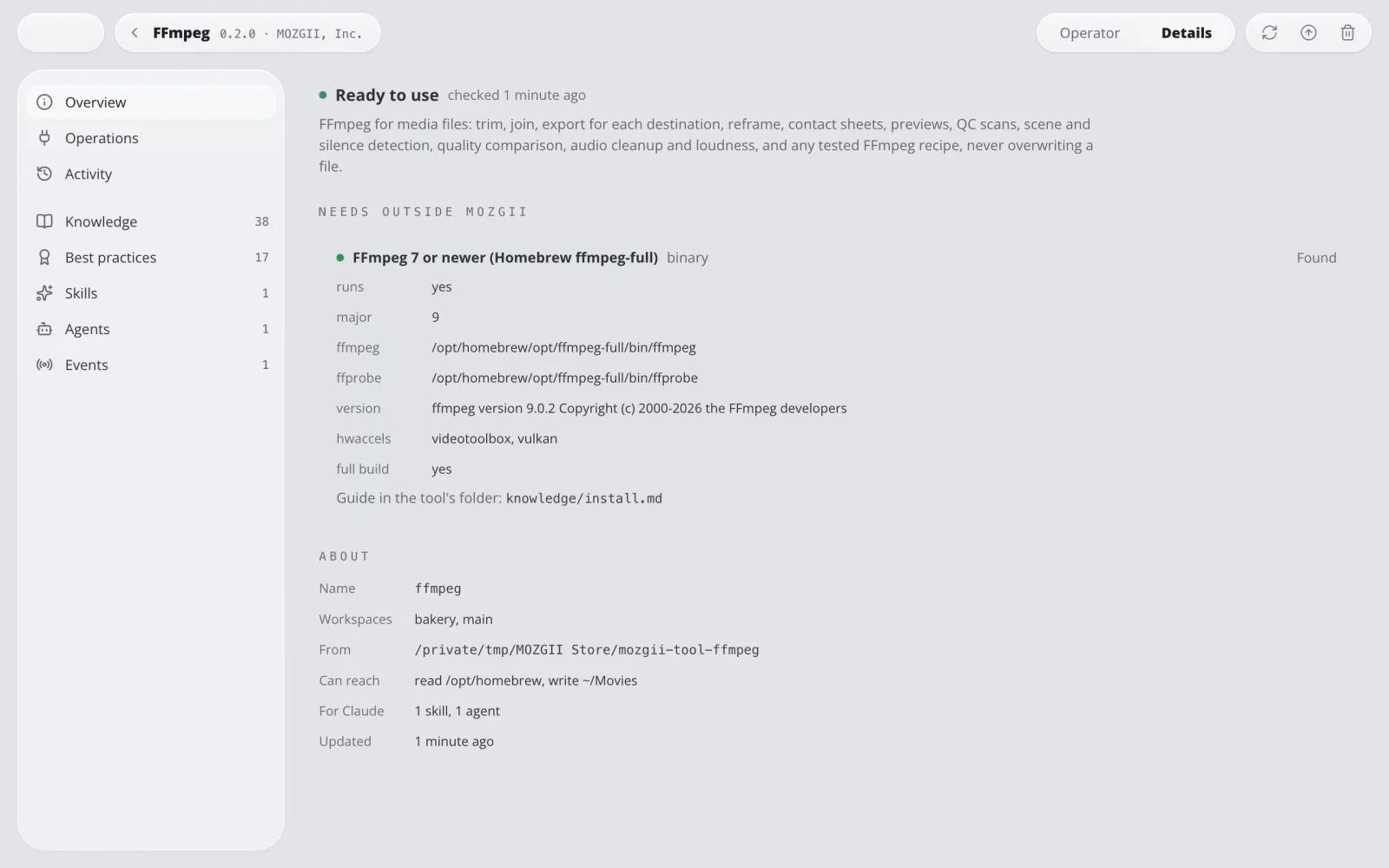
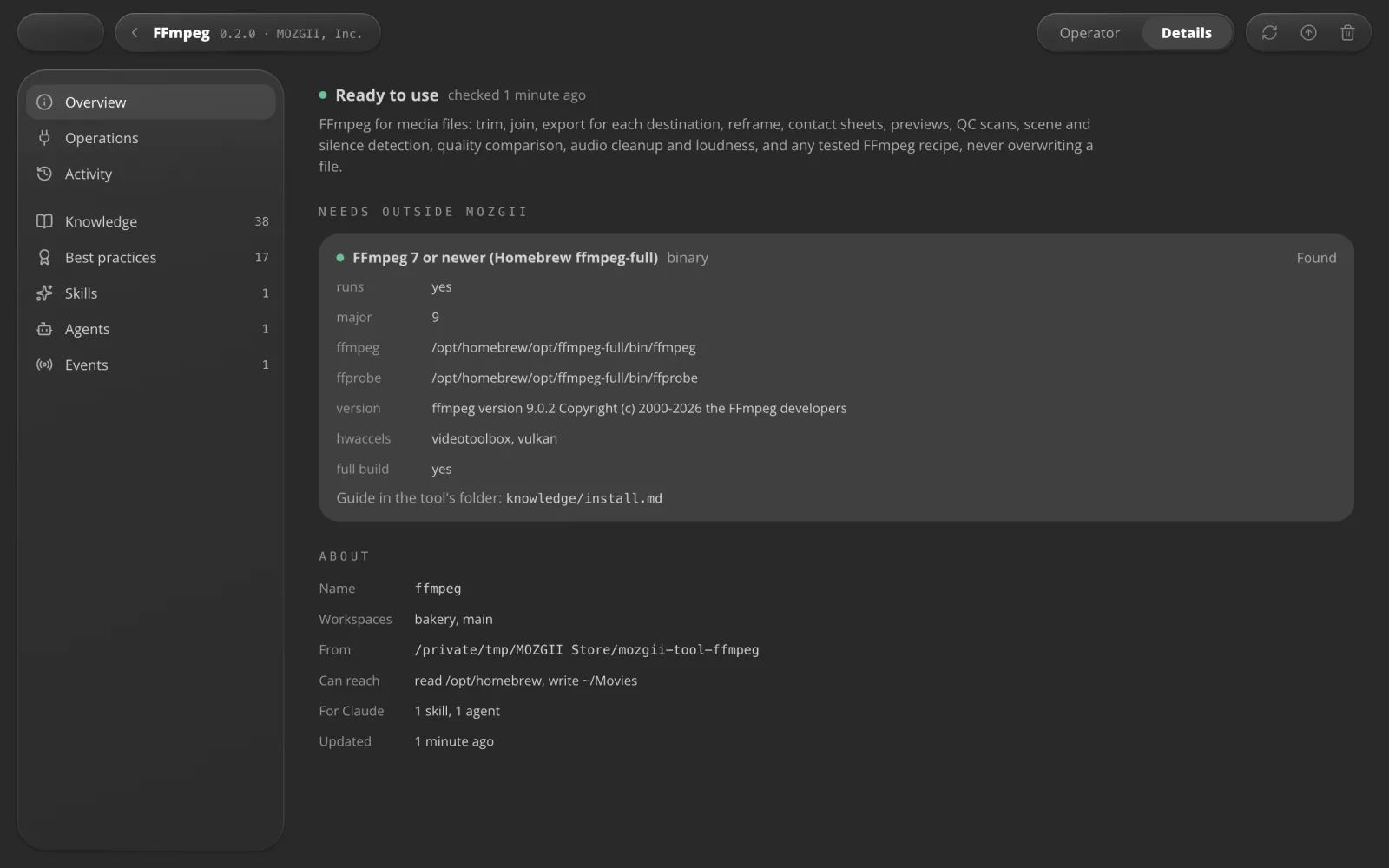
Every tool in its own room.
Each tool and Intelligence runs fenced in by your operating system and reaches only what it is allowed to.
For example: FFmpeg may write to Movies and nowhere else.
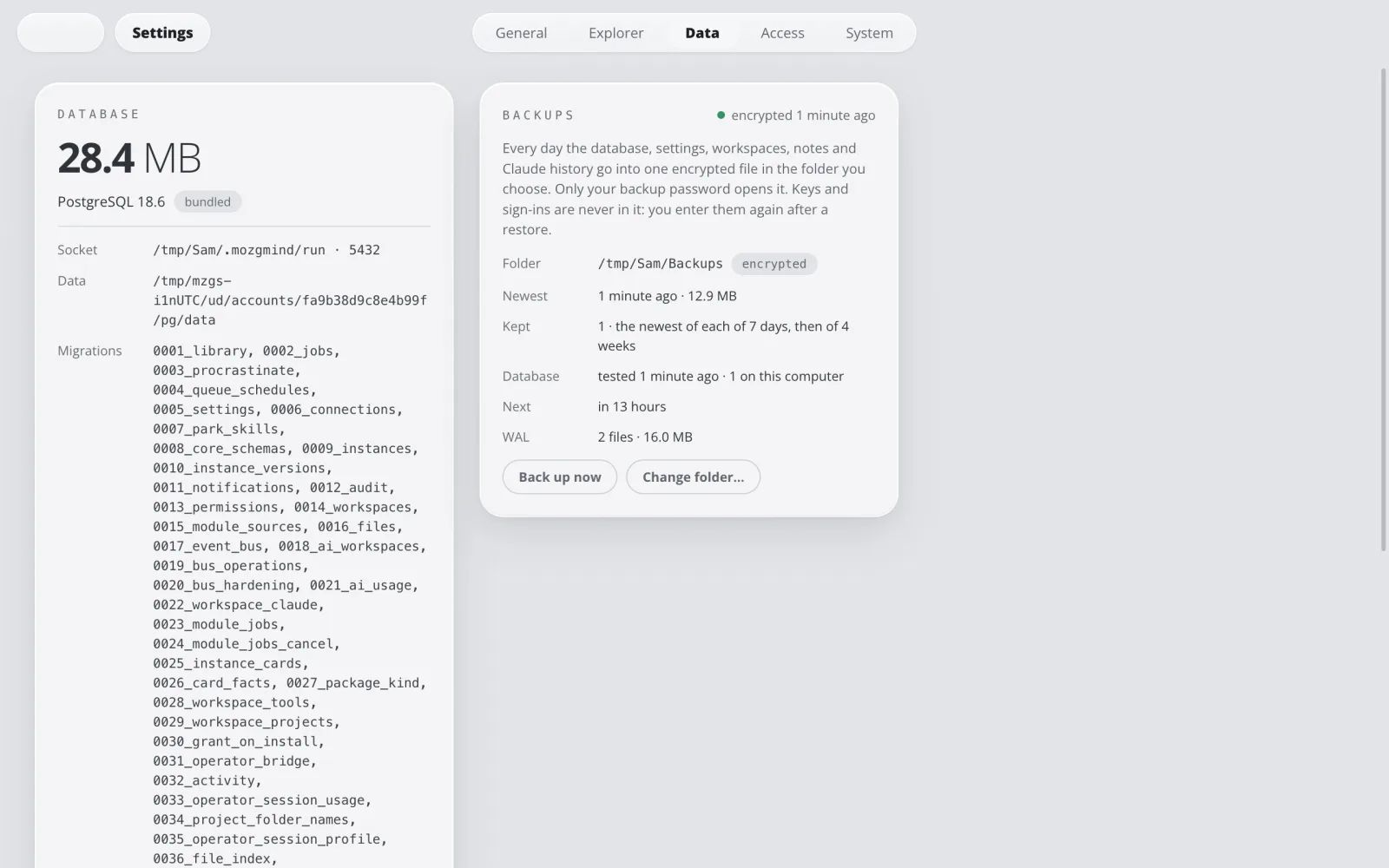
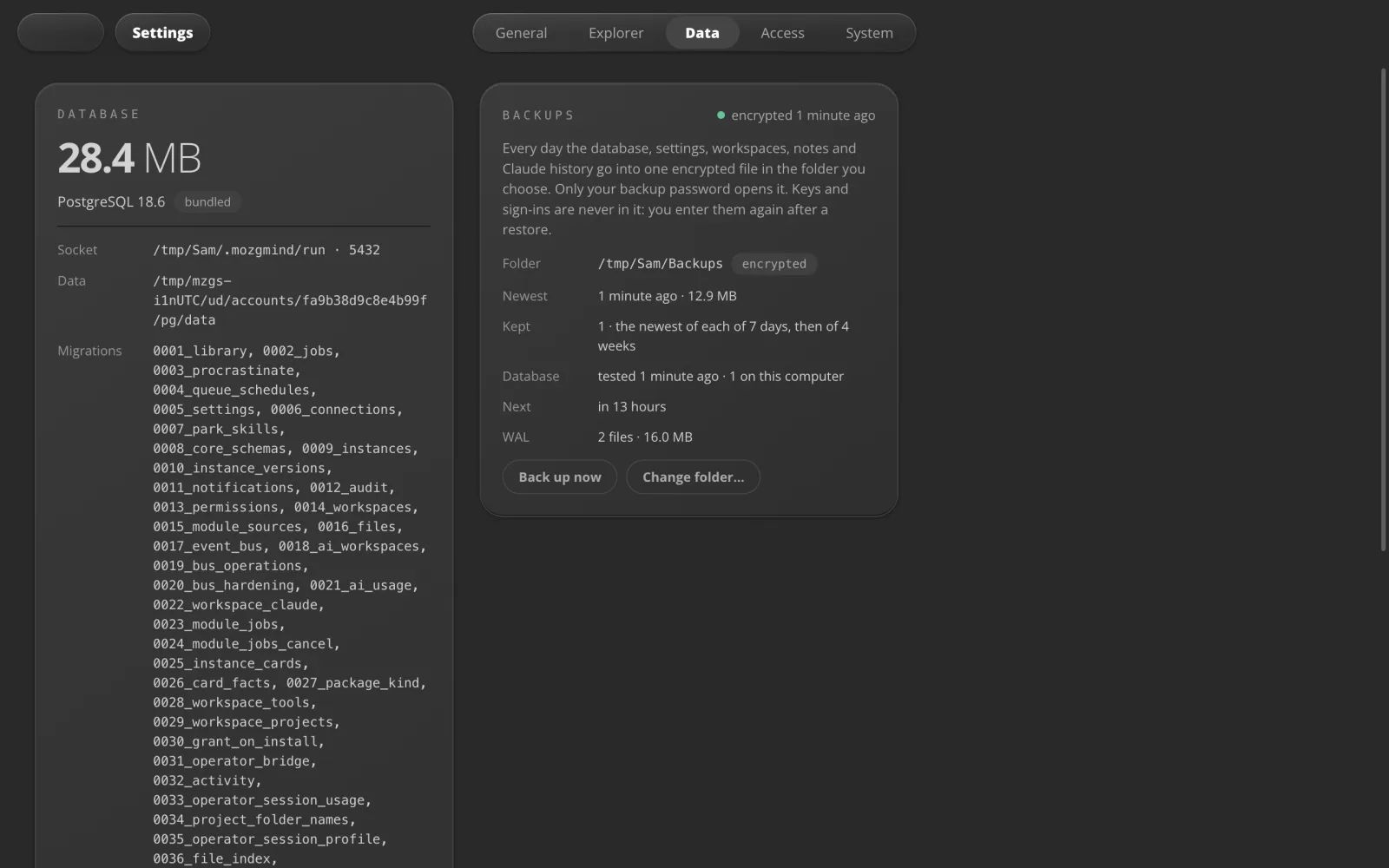
Backups
Saved every day, and tested.
Every day your settings, workspaces, notes and AI history go into one encrypted file in a folder you choose. Each backup is tested.
For example: keep the last 7 days and 4 weeks on an external drive.
Ready? It's free.
Download the app. Scan once with your phone. Start.
Free · Mac, Windows and Linux